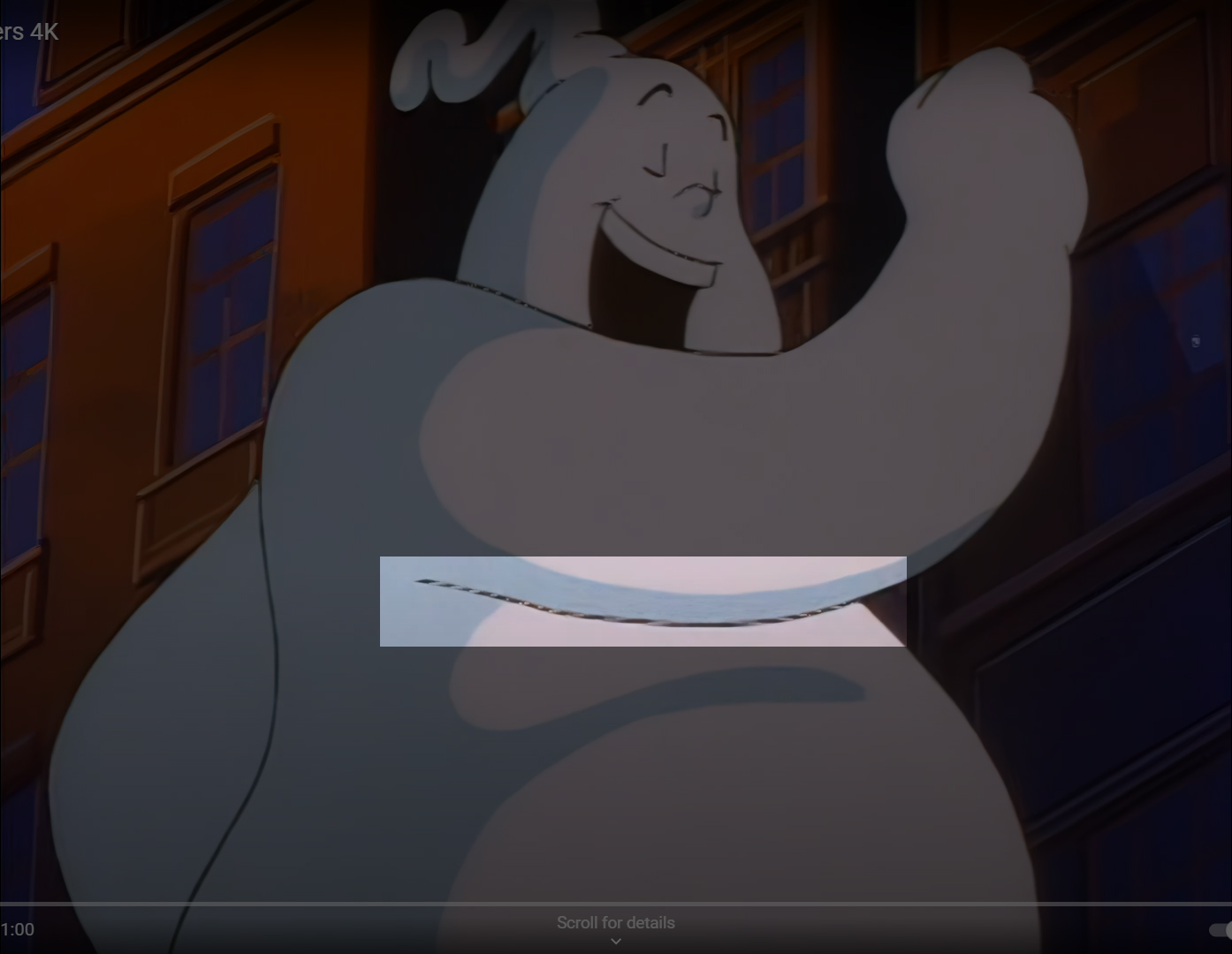
LoI’ve been messing with Topaz Video AI and it seems to work really well for animation. I’ll be upscaling the old episodes from the DVD and posting them as they finish. Right now it takes about 6 hours per episode.
This is the best result I’ve seen from AI upscaling (much more practical than trying to re-draw and animate it ).
Awesome work, thanks kind2311. They should use this tech for a re-release. Hopefully you’re archiving the files so if YT busts them, we can get a little fan circulation going.
Seems like upscaling by hand fixes and improves original. A.I. cleans up the source. Way more practical though. Be cool to see 4k Discs with upgraded Audio. Not sure I want to pay $200 for a box set
Yeah, with AC-3 @ 192kbps, it’s obvious they really didn’t take audio quality into consideration when they produced the DVDs. I’ve never actually seen that low of a bitrate on a DVD before. I make sure to pass the audio thru when encoding so there is no lossy sampling or degradation.
Incredible work again - this is the biggest news / breakthrough for Real Ghostbusters fans since the Time Life box set. I never thought we’d see a remaster for this series. Thanks kind2311!
One minor thing - in some scenes I think the colours seem a little muted / desaturated or the hue slightly off (orange). (Still superior image quality obviously) Maybe be a side effect of the software process - a lot detail is being uncovered in the background art so could be a trade-off?
These will be the definitive way to watch this show as far as I’m concerned. The resolution of the series on Amazon and Youtube is looking very rough indeed.
I know what you mean about the tone changing to kind of warm/orange. I noticed it too when checking the results after rendering. I suspect further tweaking is needed in the AI program. It’s definitely a work in progress. I may go back and redo these early ones once I get the settings all dialed in.
Not the best way to go about making a screen cap, but the issues does show. Upscaling is always going to have negatives, no matter how good the tech is. It shows any issues in the footage including its old size, as it is a upscale. Information is never really added, and to be frank it can only be lost. I’d advise going with a straight number to multiple/upscale, such as X4 or X5 and stop resizing it at X4.5 which is asking for artifact problems. The footage is in pixels. That will always be the enemy to the project.
Extreme Ghostbusters has a upscale version already out there. Hulu had it up for awhile a few years ago. You won’t even get close to the quality in those.
Five episode of The Real Ghostbusters are believed to have been issued in blu-ray quality in the Japan markets in a box set special around 2017. (Episodes: Knock, Knock, Ghost Busted, Sea Fright, Don’t Forget the Motor City, Night Game) from the Magic Window’s master tapes that had the japan dub were likely used to digitize and therefore getting in that size which will have slightly better results than a program.
I’ve been upscaling at X4.5 since that is getting me perfectly at 2160p, but yeah, it makes the imperfections quite glaring. I think there are tools in the program to help with this, but I’m still learning. There is an option to scale it up to 3840x2160 using preset parameters, but it adds hardcoded pillarboxes which I’d prefer to avoid by using the custom scaling option.
There are different AI models to play with, so I’m going to try a different on on Troll Bridge.
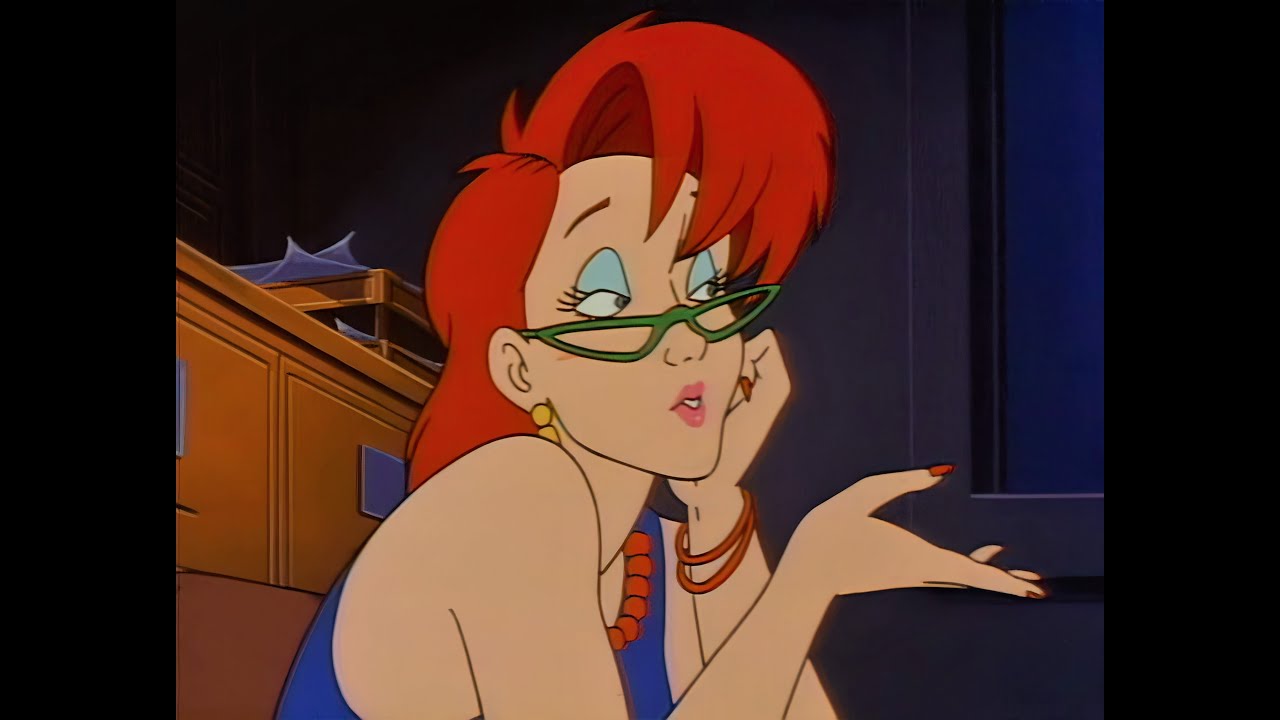
 Great to see the show looking so sharp after all the years.
 ).
).