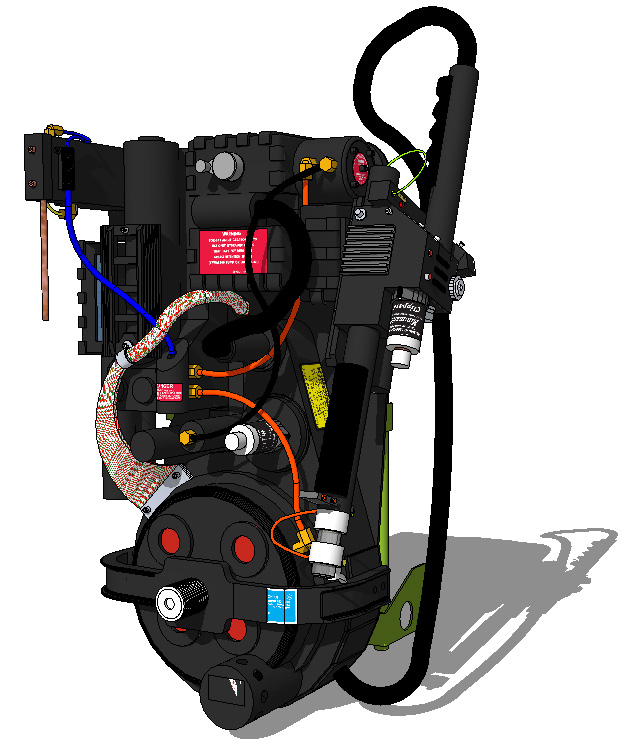
I am a big fan of both Ghostbusters and of Google’s free 3D CAD program, Sketchup (http://sketchup.google.com/intl/en/). It took me a few hours but I’ve created a pretty accurate 3D model of the proton pack and up loaded it to the 3D warehouse where you can download it:
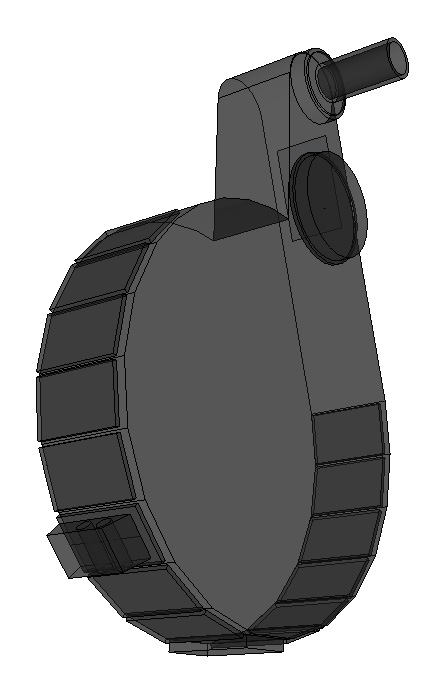
I’ve put most of the main components on separate layers so by turning them on and off you can both examine the individual components and you can see how they all fit together. Using the tape measure tool you can also take measurements of any dimensions that may be missing from Otto’s plans (specifically the wand).
Maybe its cuz of the angle, but I don’t see the wires leading from the power injectors to the Sync Generator. Also, do you have the hidden 15th cosmetic plate that’s located underneath the ribbon cable?
I just noticed the wires missing myself and have added them. As for the 15th cosmetic plate, that wasn’t on the plan I was working from but I have added it and uploaded the corrected model.
There’s no simple tool to make the hoses and wires but they aren’t too tricky. First you draw a path from point to point using the standard line and arc tools. Then your draw a small circle perpendicular to one end of the path. You select the path, then click the follow me tool and then click on the small circle. The ribbon cable is made in much the same way but I created a custom texture to make it look a little more like strands of wire.
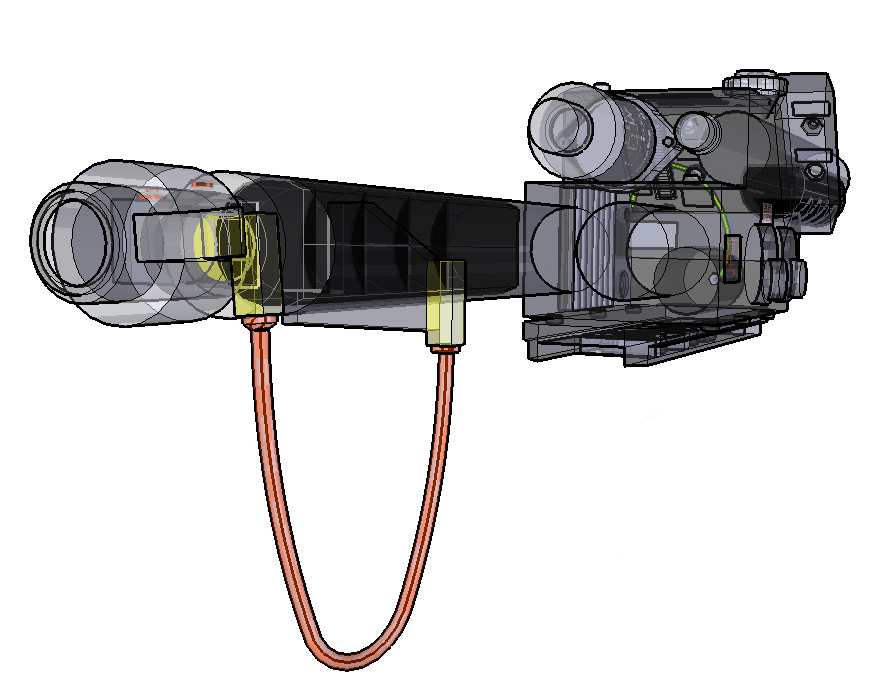
It’s pretty easy to do yourself - download sketchup and then the model and you can turn the layers on and off to isolate the object to want to examine or print. For example, here’s the wand in a x-ray format.
The thing about 3d warehouse is that once you put your models up there you’re acknowledging that you’re losing control of them. It’s kind of like creative commons or open source - you share your models just for the sake of it. I made the model to be used so you can use it for any purpose you see fit - it would be cool if you gave me credit when you used it but even that is not necessary. A word of warning tho - the model is pretty huge. I modeled every resistor and doodad to a pretty complete detail which has resulted in one of the largest file sized models I’ve made to date. You’ll probably need to simplify it before importing it into a game.
Hmm it doesn’t look like even with the sketchup obj exporter that it can export the obj with uvs intact. That means all surfaces need to be uv mapped for any real 3d application.
Its almost looking like it would be easier for me to rebuild one from scratch, then to fix this one to work. It coudl be used as a reference though.
I haven’t tried the collada version yet, so ll hope isn’t lost yet.
If I can load the collada version with labels n such into lightwave, and then export the obj from that, the uvs should remain intact.
(BTW, I do 3d work professionally, so don’t take these as disparaging remarks.. I’m just looking at it from the 3d developement side of things.)