OK, first you needed to use the ‘Paint Brush Tool’ to draw your strait line. Second, the possibility of making the proton stream hinges on creating a new layer, find one of my previous posts in this thread there’re screen shots from GIMP where I highlight on how to make a new layer.
Once you find the one post then this part from the tutorial should make more sense .
I hope that helps, some day I wish to make a video tutorial but to limitations with my computer I can’t do anything like that right now. If you have anymore questions I’ll be more then happy to help.
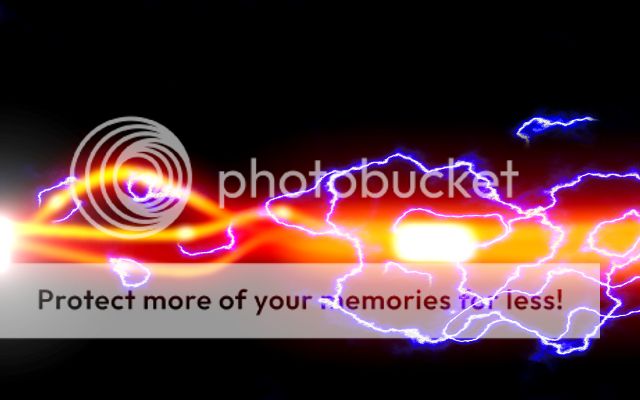
Hey, get little tutorial, I have a newer version of gimp and things are slightly different than in your tutorial, but nothing too crazy. Well I did a really quick stream with only using one layer, came out pretty cartoony but still fun.
i cant get it right. my beams wont change color afer merging, and he says that when making new layerrs the screen should go black with each, but then he has his transparency option clicked. i tried it both ways and my beams wont change colors. plus the levels for the orange beam are wrong.
I hate to bump a really old thread here but, it would be nice if the tutorial could be updated for the newer version of GIMP and have photo links which work.
I know this is a relatively dead thread, but I figured I’d try my hand at some proton streams using GIMP.
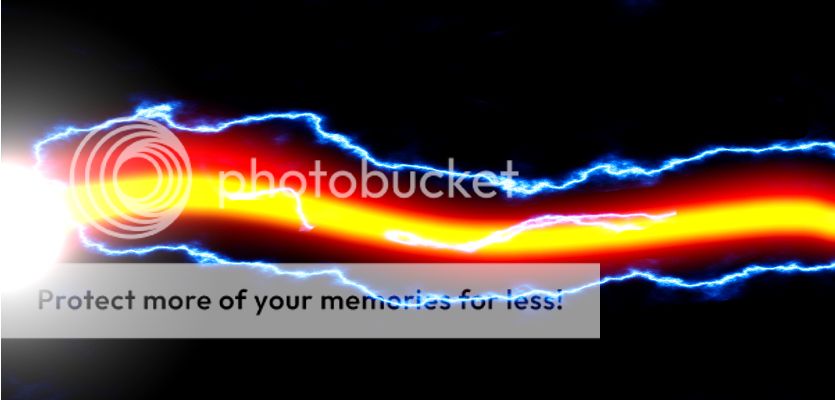
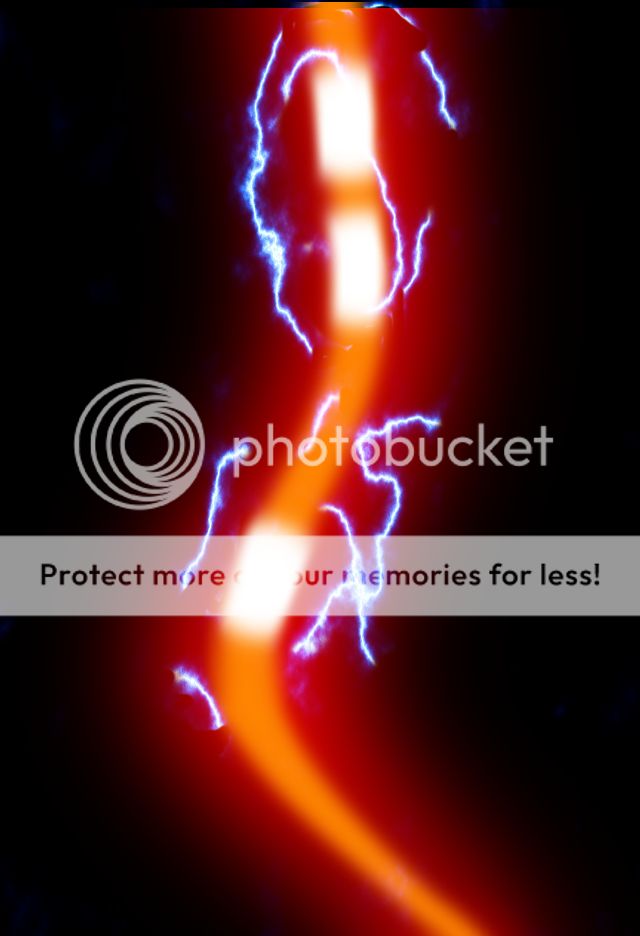
I managed to get the stream down fairly quickly. For some I used various tools like color balancing while others were just built from the ground up. The lightning was another monster which I finally got the hang of. Eventually I ended up with these two:
(The first photo was the stream I created using color balance and the second photo was of the stream I built from the ground up)
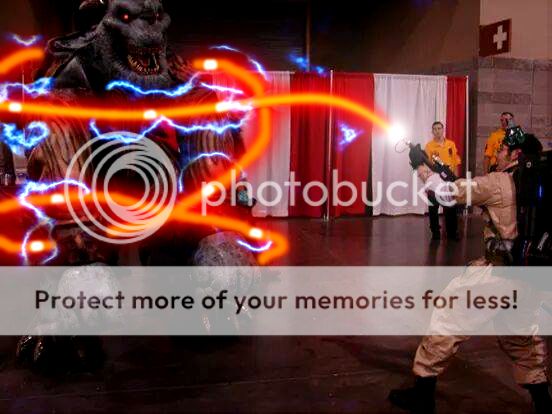
Then I wanted to try adding a stream into a photo. After about 2 days (~5 hours total of practice), I stole my buddy’s picture to make this:
There are a few things I’d like to go back and fix, but I’m pretty happy with it. I know this thread is old, so if the interest is there, I can make a new tutorial for those that would like a new one.