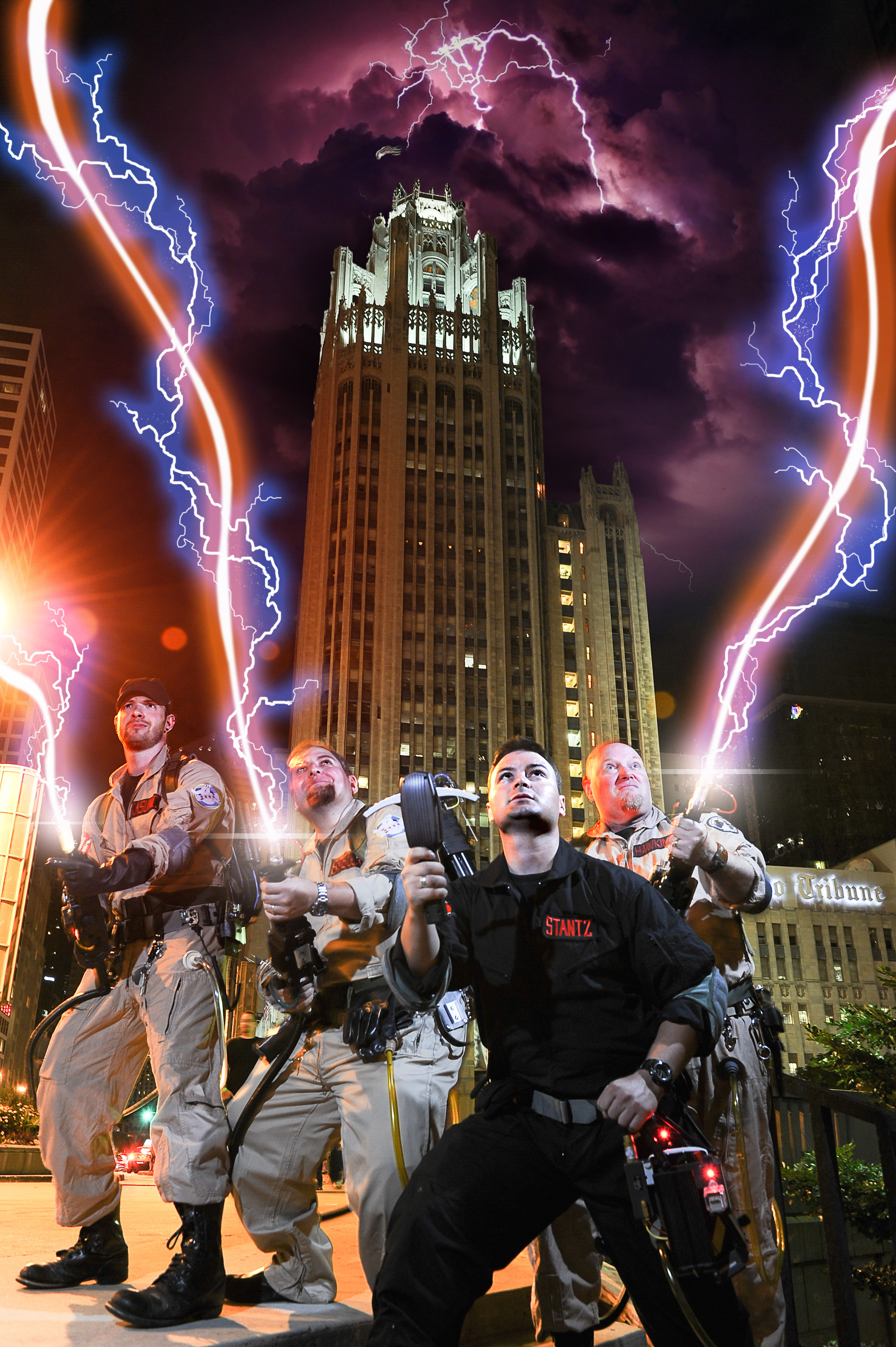
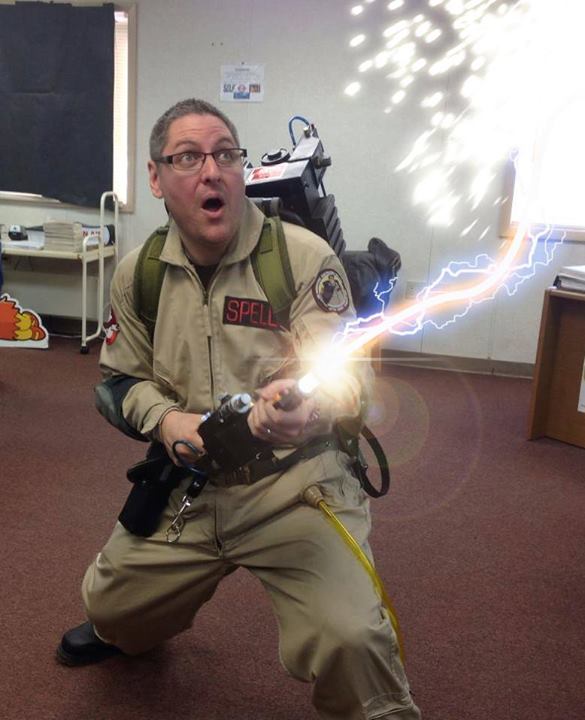
Anyone here really good at drawing Proton Streams into photos?
I got picked for the Men vs Cosplay 2015 calendar for my Ghostbusters gear and really wanna do something big for it. the other months stuff is really impressive so far.
Anyone here really good at drawing Proton Streams into photos?
I got picked for the Men vs Cosplay 2015 calendar for my Ghostbusters gear and really wanna do something big for it. the other months stuff is really impressive so far.
I might be able to help. PM me details.
I’m afraid that’s all the details I have right now. The photoshoot isn’t until next month but I’m trying to secure someone whoo can do it.
Do you have any pics of beams you’ve done before?
Thanks man!
Jonny
That’s pretty good… got a tutorial, or you keeping it a secret? =P
I suppose I could create one at some point. If you’re using CS6, you basically:
-Draw the path for the main stream using the pen tool.
-Stroke that path in white using the brush tool.
-In the Blending Options for the stream, select ‘Outer Glow’, change it to the shade of orange you prefer, and adjust as needed.
-For the electric blue ‘lightning’, I draw each line with varying sizes of the brush tool, and add speckles and effects with different brushes, then repeat the Blending Options process, only this time using blue.
-Use soft white semi-transparent layers for the light strobes at the barrel.
-Apply a lens flare on a layer set to ‘screen’ if you want
That’s basically it.
Cool, sounds easy enough… didn’t even think of varying the sizes for the “lightning”… nifty trick…
I think After Effects is probably better for creating a sense of wildly uncontrolled streams that best composite into a photo, but that may be beyond my knowledge.
You could, of course, use the one I already did of you, you nerd.
But then you’d have to share the glory 
Yeah, but I only have Photoshop, no After Effects… luckily, I have a general knowledge of some basic functions, so I clearly understood all of your steps! Thanks!
A tutorial that helped me a lot:
Based on The Gimp photo processing program, which is available for free:
That looks great.
You do commissions???
For sure. PM me.