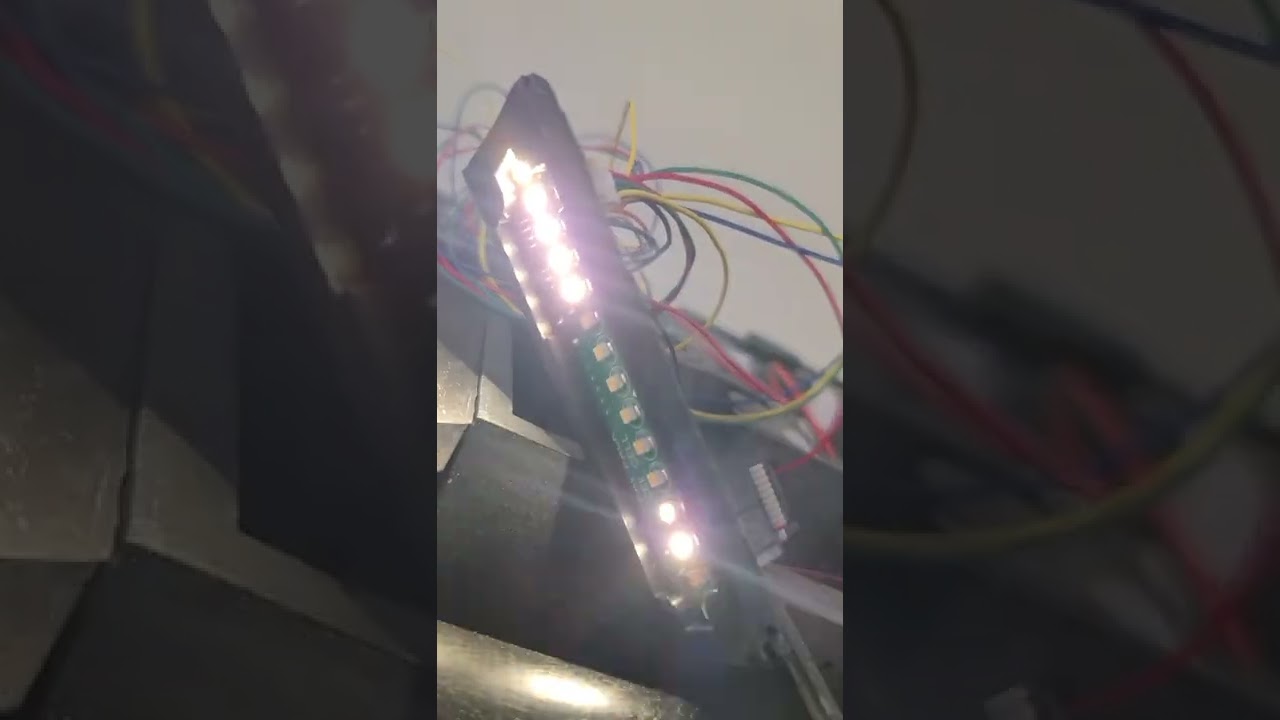
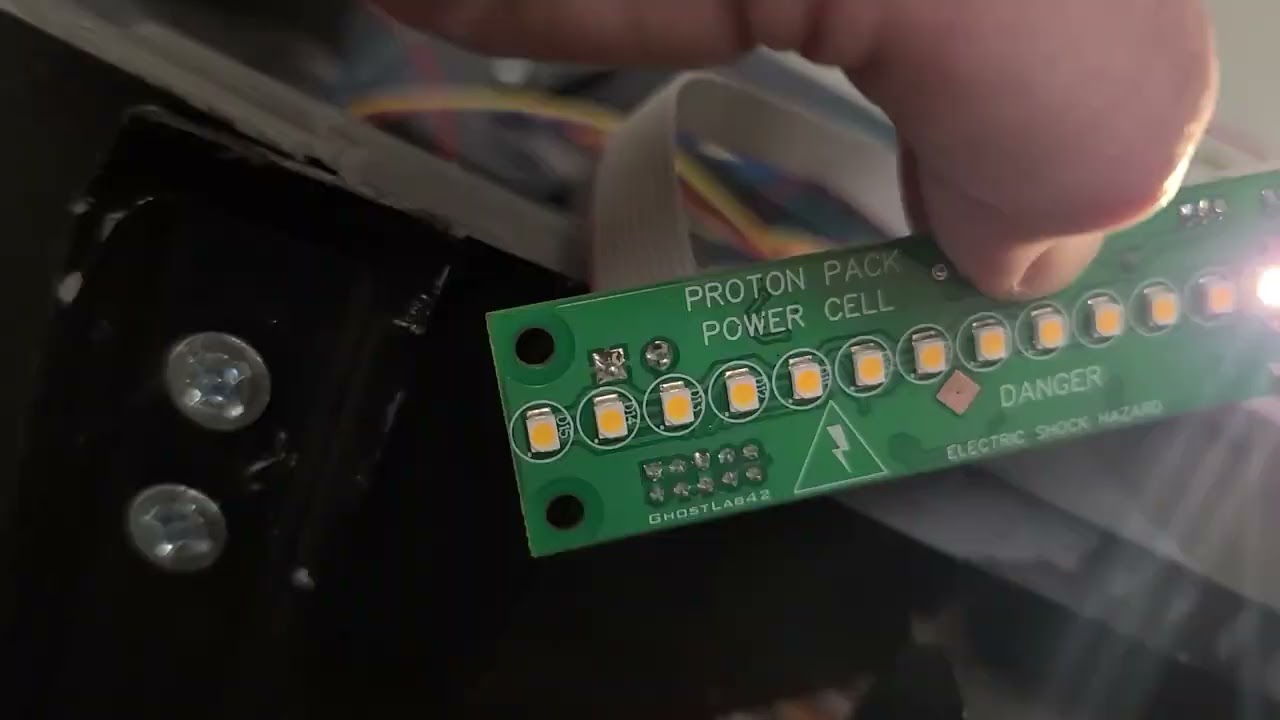
I’m finishing up my proton pack finally and was installing the lenses and getting the pack light controller mounted. Everything is working great during testing but I wanted to slow the lights down so I spun the knob. Suddenly the lights on the power cell just stopped moving and only 4 of them stayed lit. The Cyclotron lights also went out and the vent light stays on. When I turn the entire thing off and turn it back on, it starts with its usual light show on everything, then the cyclotron lights go out, the vent light goes on, and the power cell lights go back to just 4 of them lit up.
Here’s a video of the startup happening:
Something else I noticed, when I touch this point, it works. Like I’m making a connection with my finger. When I let go, it’s back to the 4 lights.
The creator of that particular light kit is a user on these boards and goes by Spongeface. I’d suggest that you send him a PM with the vids you have. As I’m an amateur at electronics, it looks to me like whatever is connected on the board at that point either has bad connection or something broke while or right after that light board was made.
The “SPEED” potentiometer controls the default rate of of the sequences and also selected between two test modes at the extreem position of the settings. One extreme shows the version number of the software in the powercell lights.
See page 2 of the instructions: www.gbfans.com/images/shop/packlightinstructions_v2.pdf
If that potentiometer is damaged it may explain the behavior you are seeing in that the contact may be intermittent. The potentiometer is made of plastic, so care should be taken when adjusting that part. The adjustment range is about 270 degrees from one extreme to the other. If it is free spinning, that would be a definite problem!
Try adjusting the speed potentiomer to about 1/3 or 2/3 of the setting range and see if that corrects the behavior.
Thanks for the help. Potentiometer was broken, replaced that and it’s working beautifully. My pack is fully functional and now it’s just decoration left.