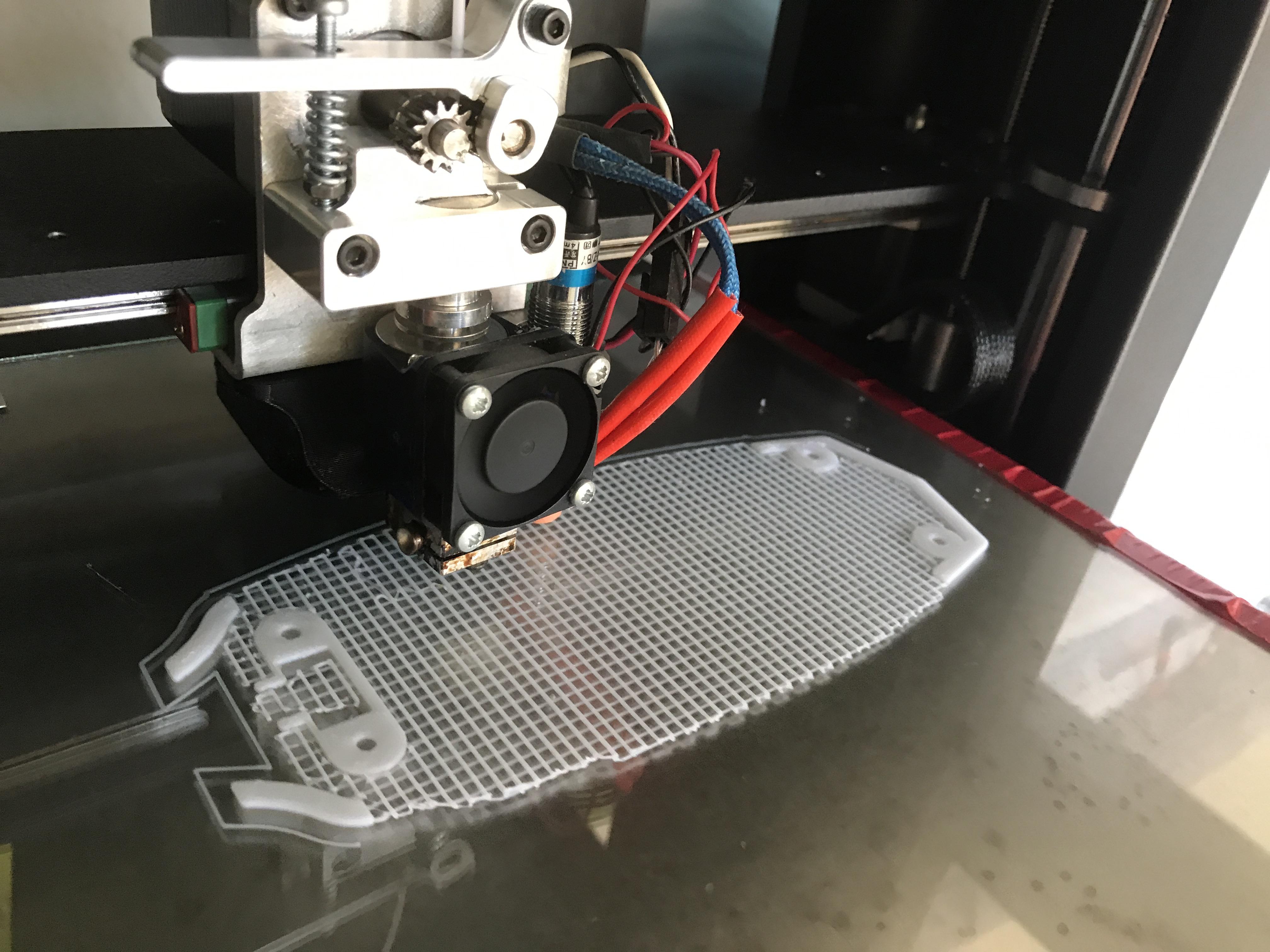
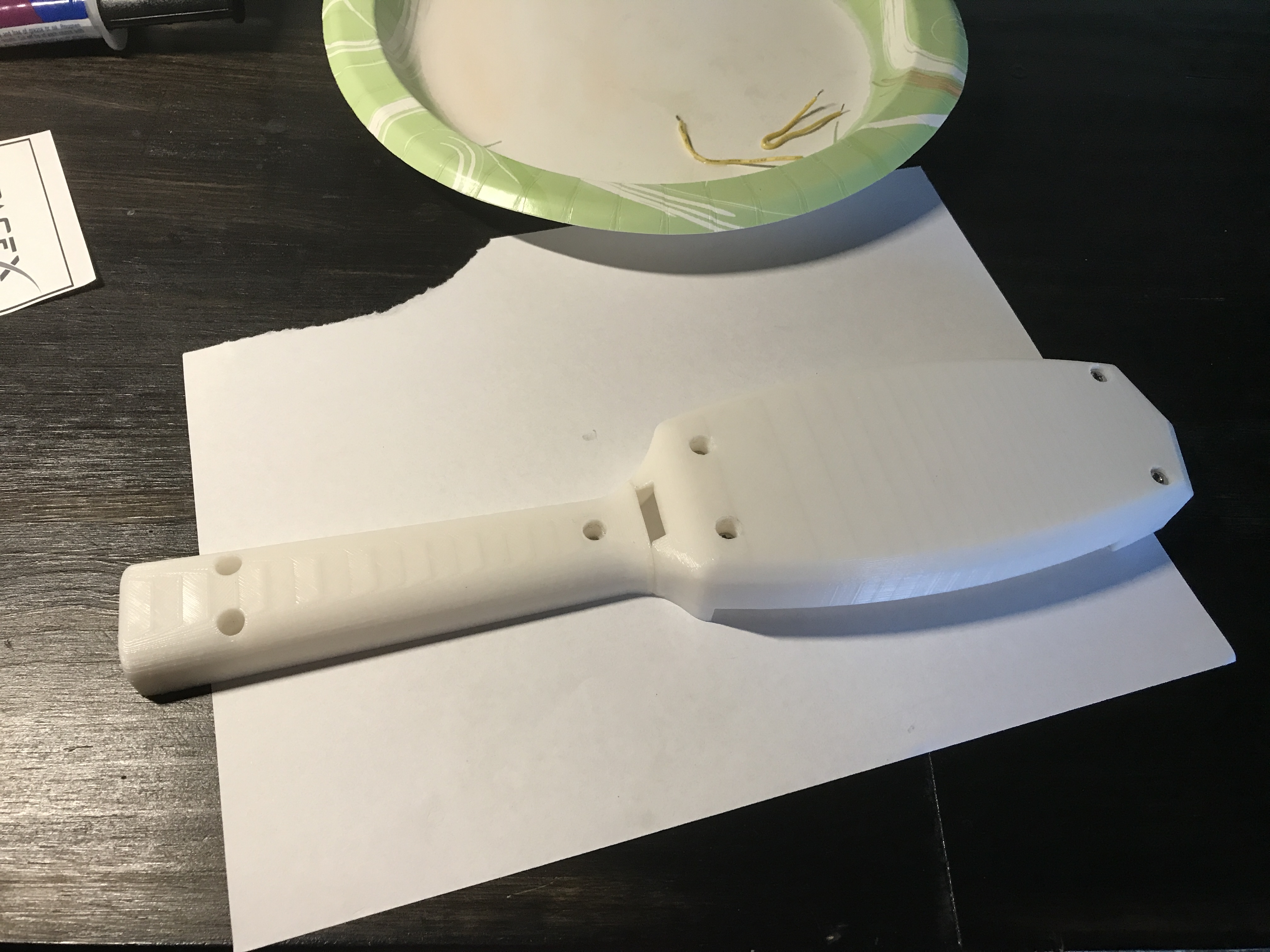
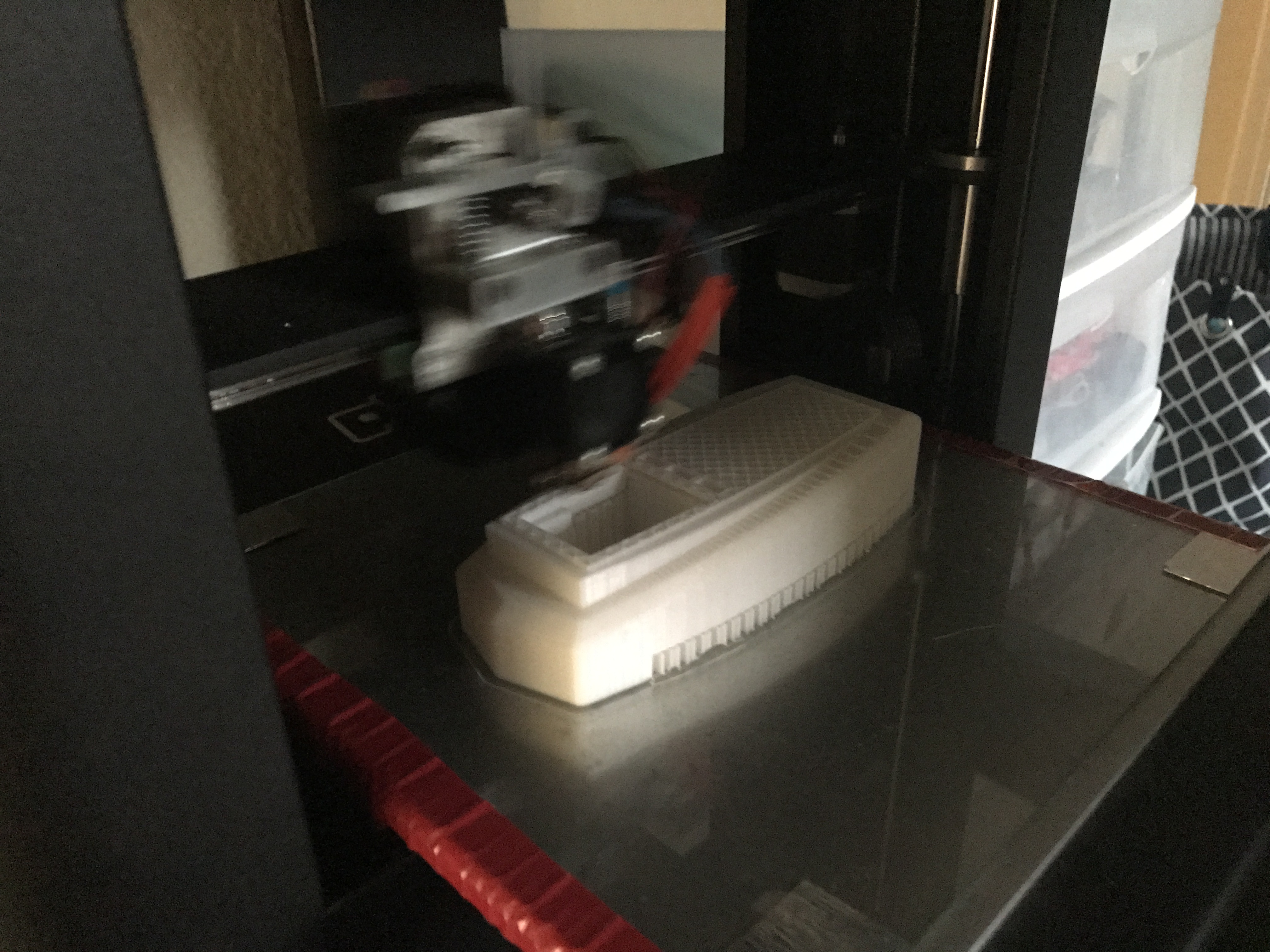
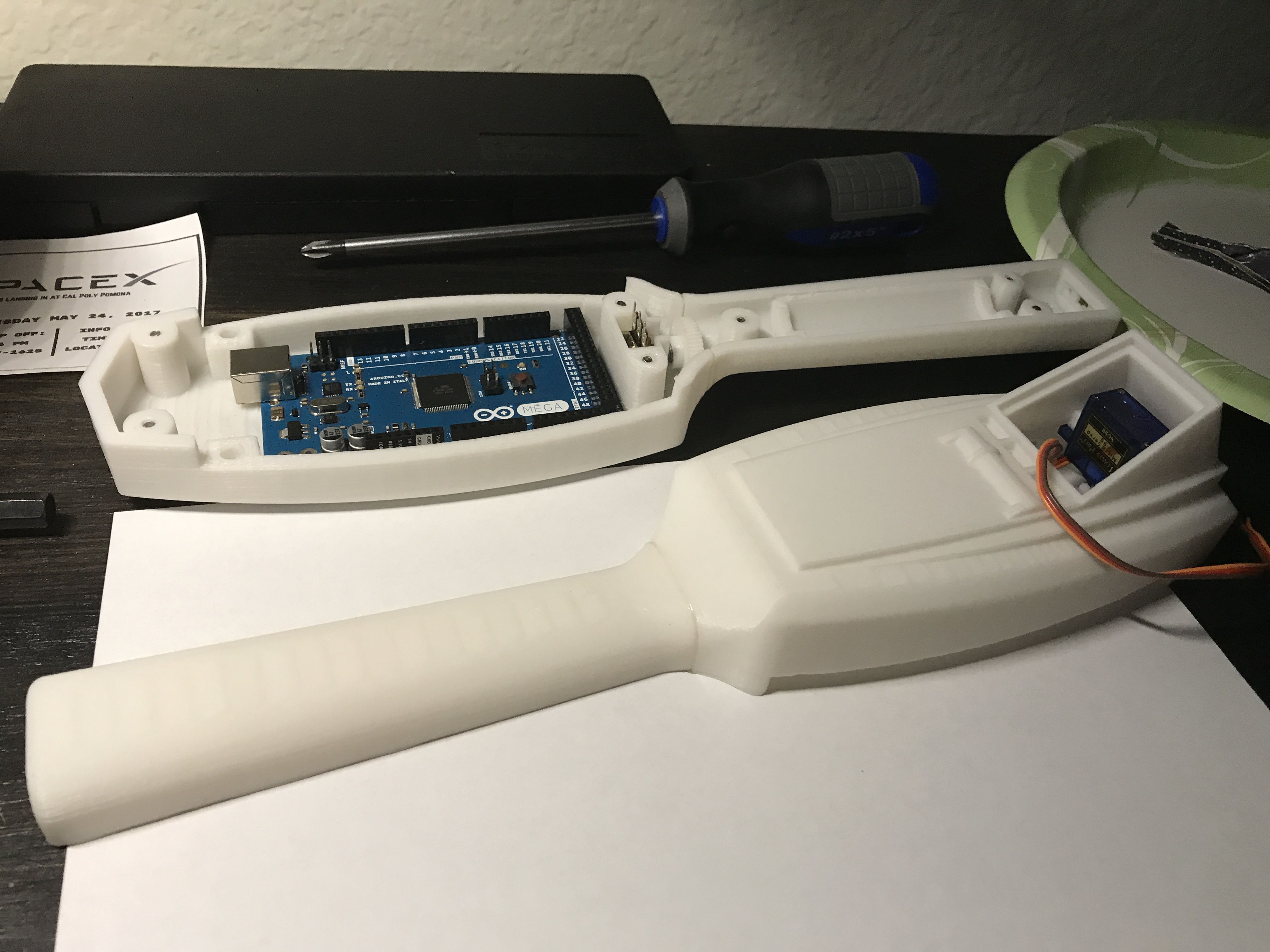
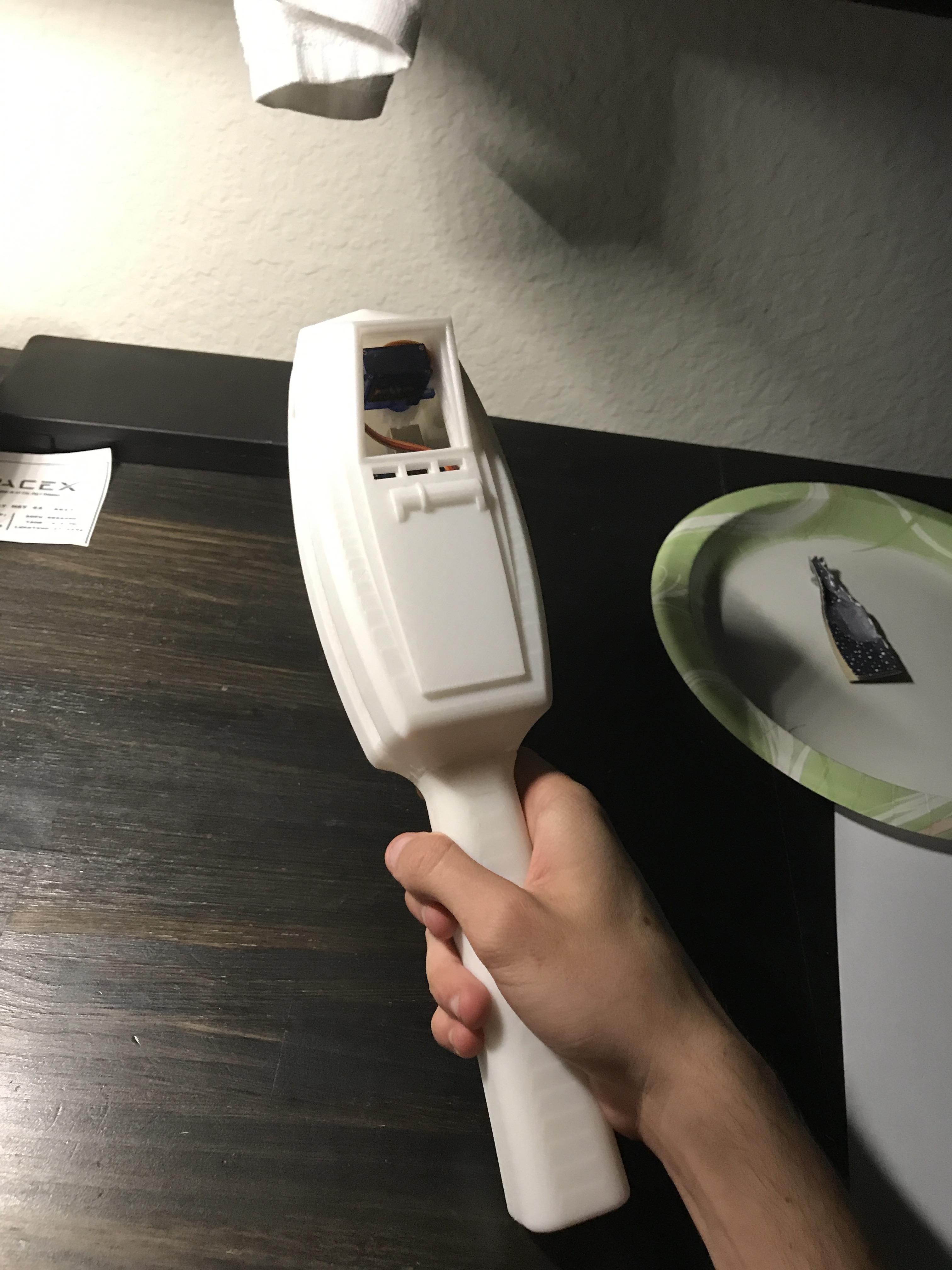
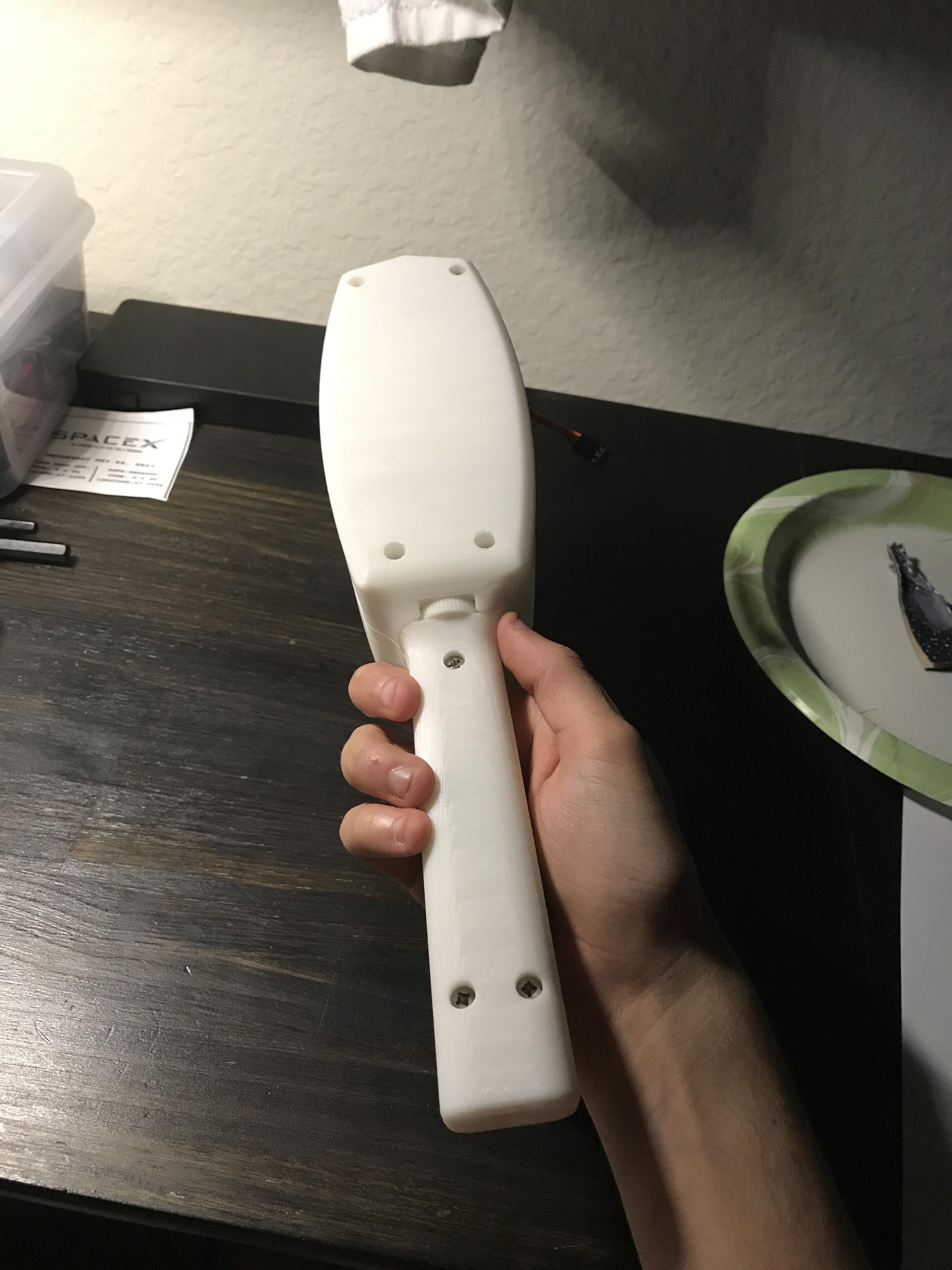
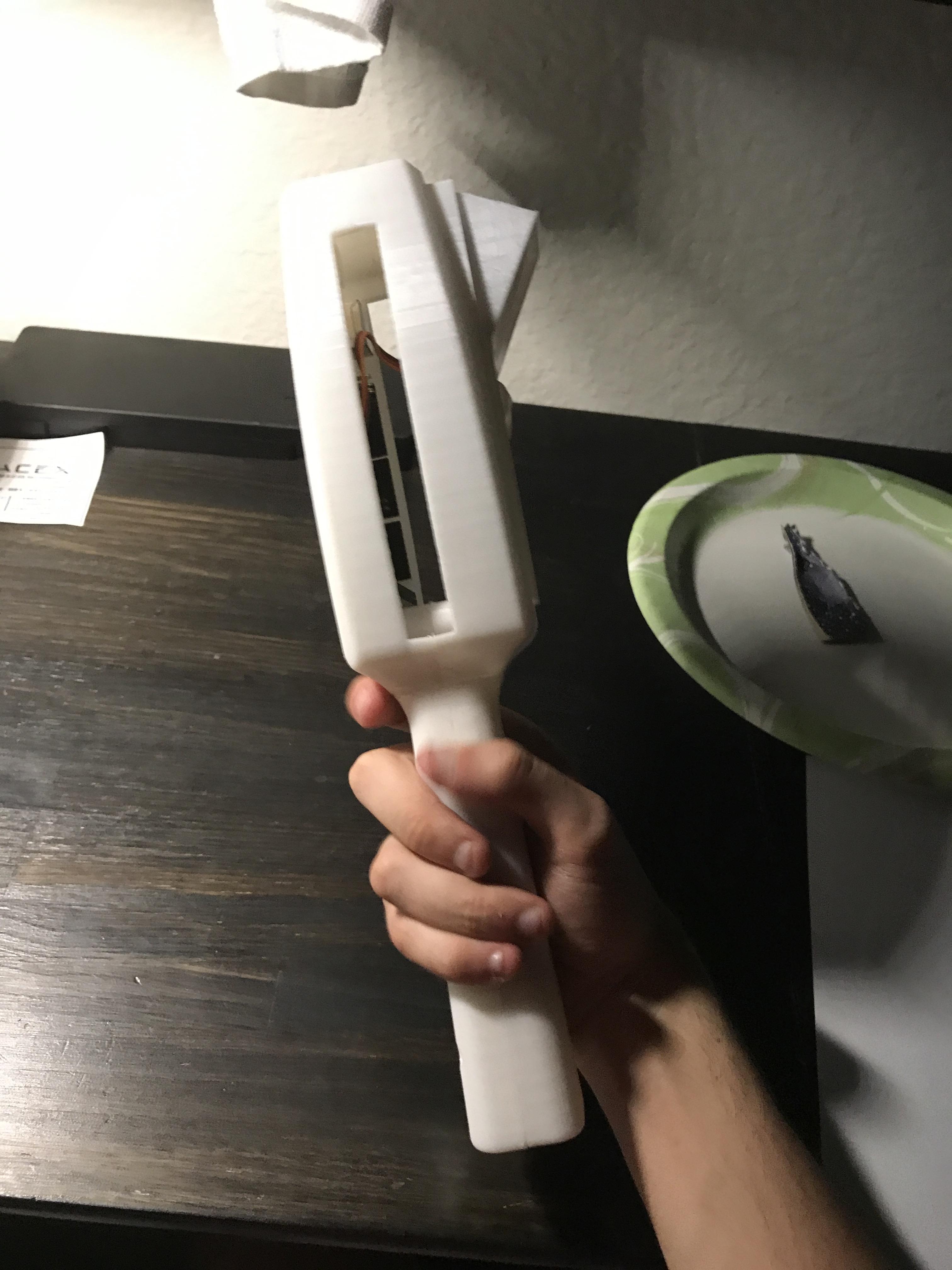
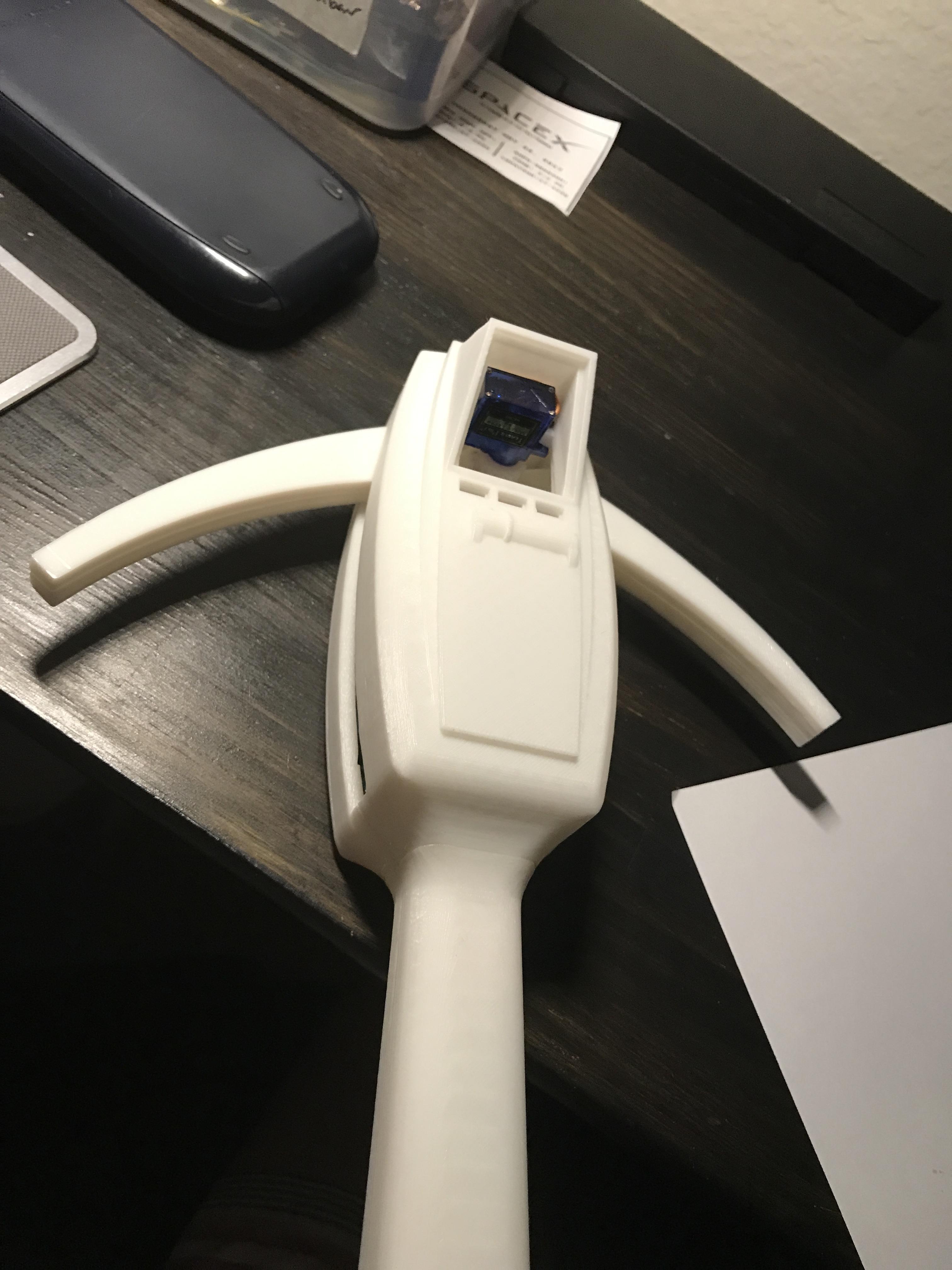
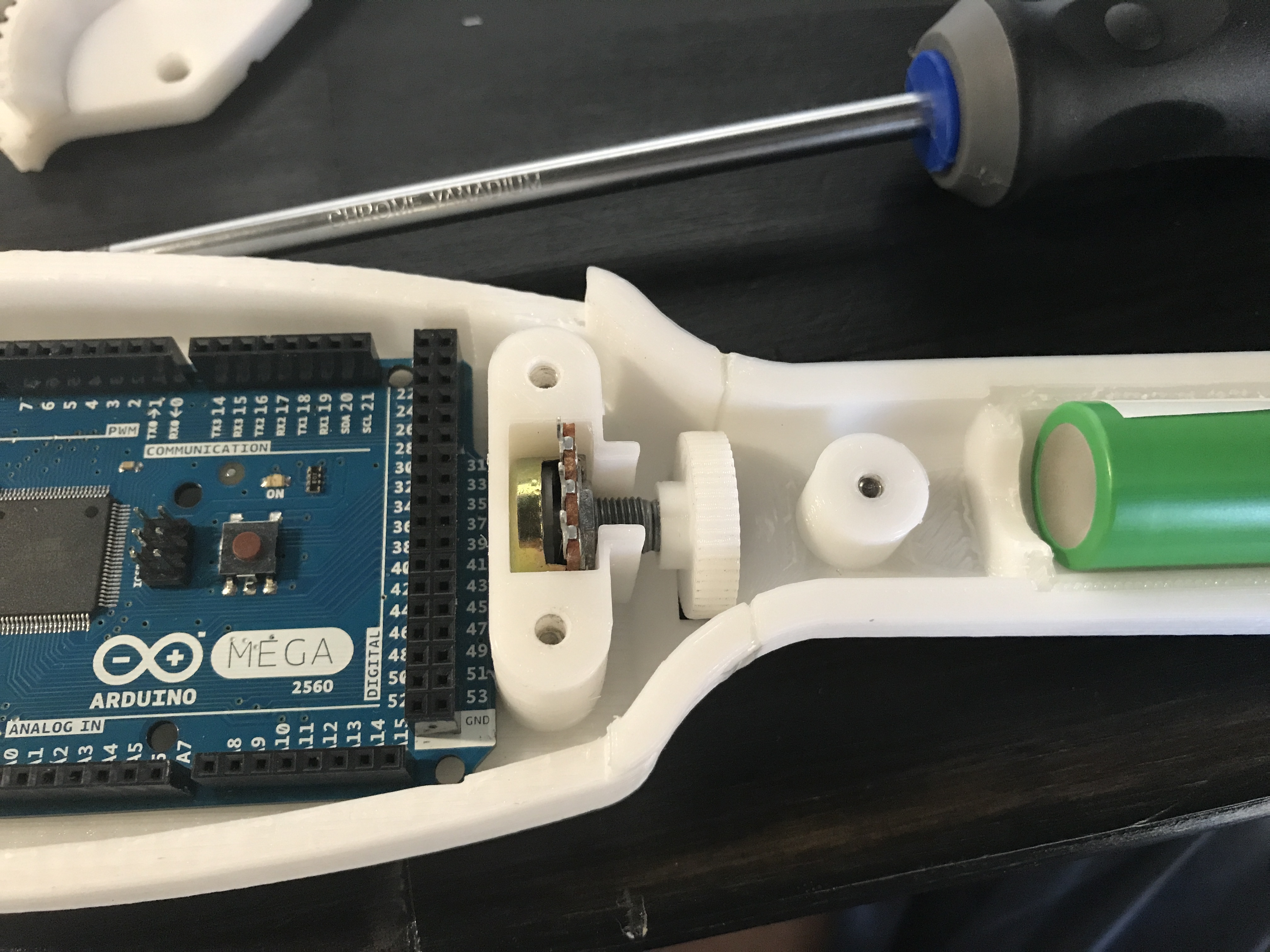
I started the print earlier this morning and it finished around 6pm. I cleaned it all up and epoxied on the body and the handle. I then tapped all of the holes and installed screws into each hole. Looks good so far!
Lots of support material. It was freaking me out the entire time but everything worked out.
Yeah! I try to avoid designing things to utilize support material but if I can’t avoid it I try to make it in such a way that it’s easy to remove.
I use a Printrbot Plus Metal printer! It’s about 10x10x10inches and I got it from working at Printrbot. I actually came across it for free because it was completely broken and the boss said I could have it if I fixed it. Good trade if I do say so myself.
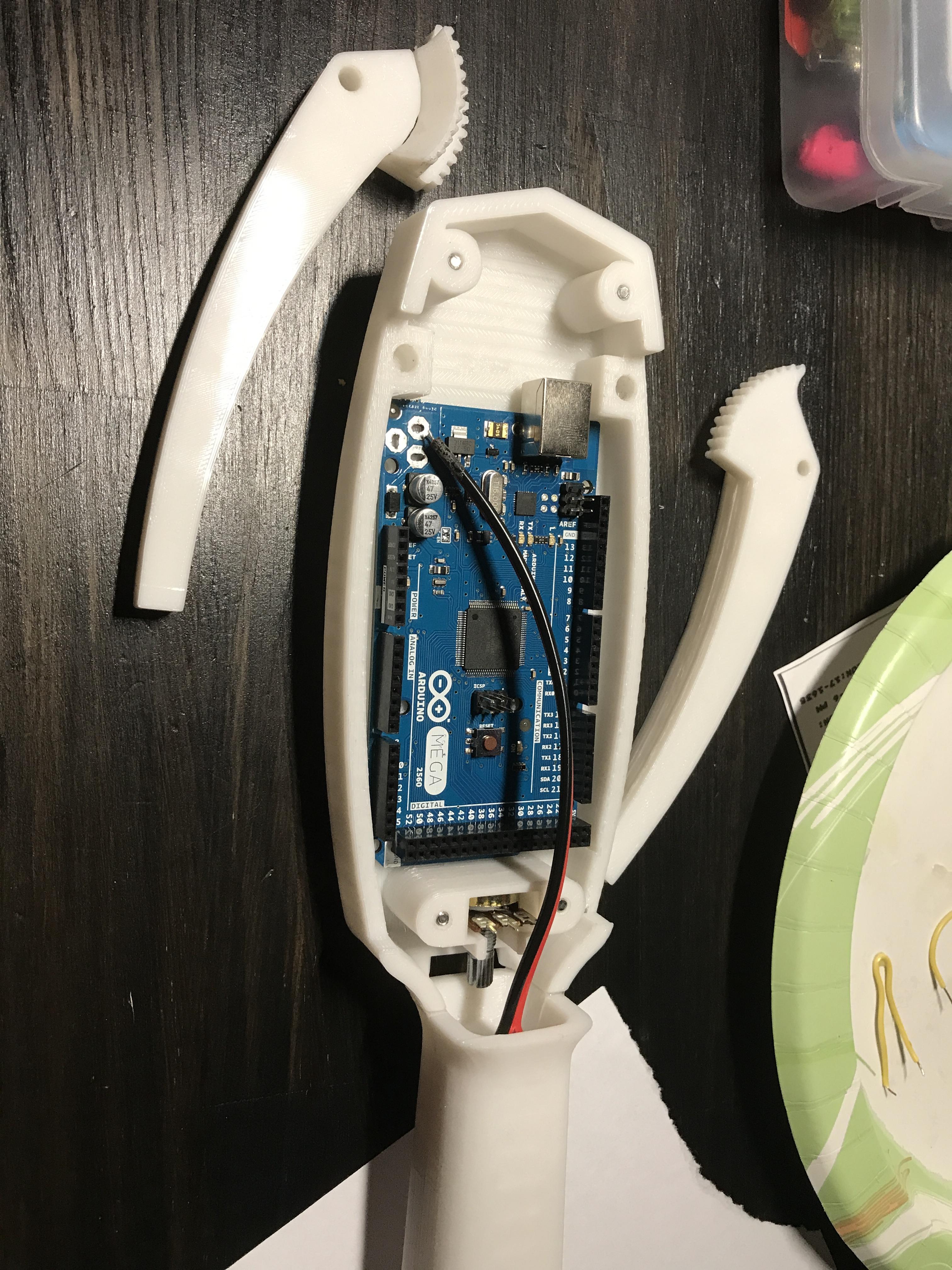
Today I finished all of my parts! Here’s how it all turned out. Now all I need is the battery charger piece I’m waiting for and I can start wiring. Painting is going to be fun!
Maybe in future iterations but I didn’t add them this time because they would have no function. The knob in the back actuates the arms and controls the speed of the lights and sounds unlike the Matel version. I was going to add a button that essentially pauses the system but I couldn’t think of an easy way to do that. Also push buttons are a little bit annoying because they tend to bounce, but in the future I could definitely figures one thing out. There are already a few things I am going to change to the models so they assemble better.
Another Question: The slider is usually used to switch between the two light patterns on the display. Are you planning on implementing that? Or will you just have one pattern? I noticed the slider was built into the print.
Unless you mean the slider switch on the handle end? That switch is going to be for turning the power on and off.
In the future I will add more features, I just had never really messed with cosmetic buttons before. I’ll probably do it in the next iteration of the meter.
What do you mean by pattern though? the GB1 and GB2 patterns? As of now it’s one pattern that I could program to be either GB1 or GB2 but I don’t have the infrastructure to add more holes for more buttons unless I reprinted the top. Like I said, I’ll iterate more on future builds of this thing but for now I just wanted to model it and produce it quickly.
If I really wanted to get creative, I could make a small comparator circuit that detects if the potentiometer is at a certain position and if it is then it opens a transistor and the circuit gets shut off… I’d have to look into it. I know I have some comparators laying around here somewhere. If I did that then I would free up the switch on the handle to switch the lights around. I’ll let this simmer and see where this train goes.
I’ll update again once my battery charger component arrives in the mail, let me know if you have anymore questions!
Phenomenal work! The slider switch he’s referring to is the cylindrical bump with the small added bit that sits just below the screen; it’s purpose is to switch the display mode (from diagonal line to drop-off curve) on the screen. Will future iterations have the ribbed underside?
I’m interested to see how/hear your plans for finishing the piece. Have you given much thought to the kind(s) of weathering you’ll want to use?
Ohhhh okay, I have never personally owned a matel thrower so I didn’t know what the features were. Easy enough to do I think.
As for the ribbed underside, definitely. That should be very easy to model on especially given how well this thing prints. I wasn’t aware that they existed until after I printed everything.
For weathering I do something a little bit different than most people it seems. What I like to do is use gray filler primer as a base and then sand it smooth. After that I paint it and let that dry for a few hours. Once that layer of paint is on, I take sand paper and lightly touch the edges to scratch away the top and reveal the gray underneath. I have an example from a thrower that I did about a year ago:
I am personally not a big fan of the silver paint that is used to weather things. For this one I might experiment a little bit and give it a silver base coat, let that dry and then give it the flat black and sand that away in areas where there would be wear. I love the painting part, it always takes the prop from the “planning” to the “finishing” stage and it makes me feel good.
You mentioned you use solidworks, as a fellow 3d printing guy, how difficult is solidworks to learn for designing 3d prints? Do you have any tutorials you could recommend?
For me Solidworks is super super easy. At this point it’s almost like an extension of my hands. That being said, I have about 8 years of experience using it. Given that though, I was 12 when I learned so it must be pretty easy to use haha. Engineering firms mainly use it, I’m not sure if it’s “for” the average consumer. I have access to it because people in my family are engineers and I’m currently an engineering student so I have the student version. However, Autodesk/fusion 360 is very similar to solidworks and it’s much cheaper. I believe more people use that.
To answer your question more directly though, I find it very easy to use for designing for 3D printers. It’s less what you’re using to model the shapes and more keeping in mind how the printer is going to print it (support materials and all that stuff) But since you already have experience with printers, you should be fairly familiar with what types of geometries will be challenging or impossible for a 3D printer to make. That part definitely goes a long way when it comes do designing for parts that need to be printed.
Regarding the tutorial aspect, I’m self taught. The only times I’ve really looked at tutorials is if I need to do surfacing (complex surfaces). But whenever I do need a tutorial, I go to this channel: https://www.youtube.com/user/SolidworksTutorials Their videos are fairly easy to follow.
Most of what you do in solidworks is extruding. The modeling itself isn’t hard, the hard part comes in when you’re trying to imagine what the 3D shape is that you want to model looks like so you can model it.
Looks awesome! Your files look much cleaner than the other versions out there!
One note: you can easily use an Arduino Pro Mini or Nano which has the same pinouts as a normal Arduino (the Mega has more, but you don’t need that many) and is a tiny fraction of the size of the Mega! Plus, they’re only a couple of $ on ebay.
I’ve considered using the mini but it doesn’t have enough digital IO pins for the LEDs I need. I figure I need at least 20 individual pins for the LEDS let alone the Potentiometer and servo pins. If you look carefully enough, you can get knockoffs of the mega for under $10
I think most go with silver as a faux-stainless-steel. It’s what I plan to do for my pack, along with a few other bits. I ask about your plans for the PKE because I’m not sure if the intended material (were it a functional piece of equipment) under the whole thing would be metal, or if only parts of it, like the control panel and screen housing, would be. Not trying to “question your motives” just simply curious about your take and plans.
In preparation for building my pack and finishing it, I’ve been watching a LOT of prop finishing videos on YouTube from guys like Adam Savage’s One Day Builds which he does for Tested, Bill Doran from Punished Props and Cosplay Chris’ “Chris’ Custom Collectables” … One technique I’m interested in trying is using what’s called a liquid mask; it’s a tube of liquid latex that you can apply to an object, let it dry, paint over it, then peal it off, like peeling white glue off your fingers, and it leaves the under-surface visible. For the pack, part of my reason for doing an “undercoat” in metal is so that there is a metal finish shown below any parts that naturally get weathered.