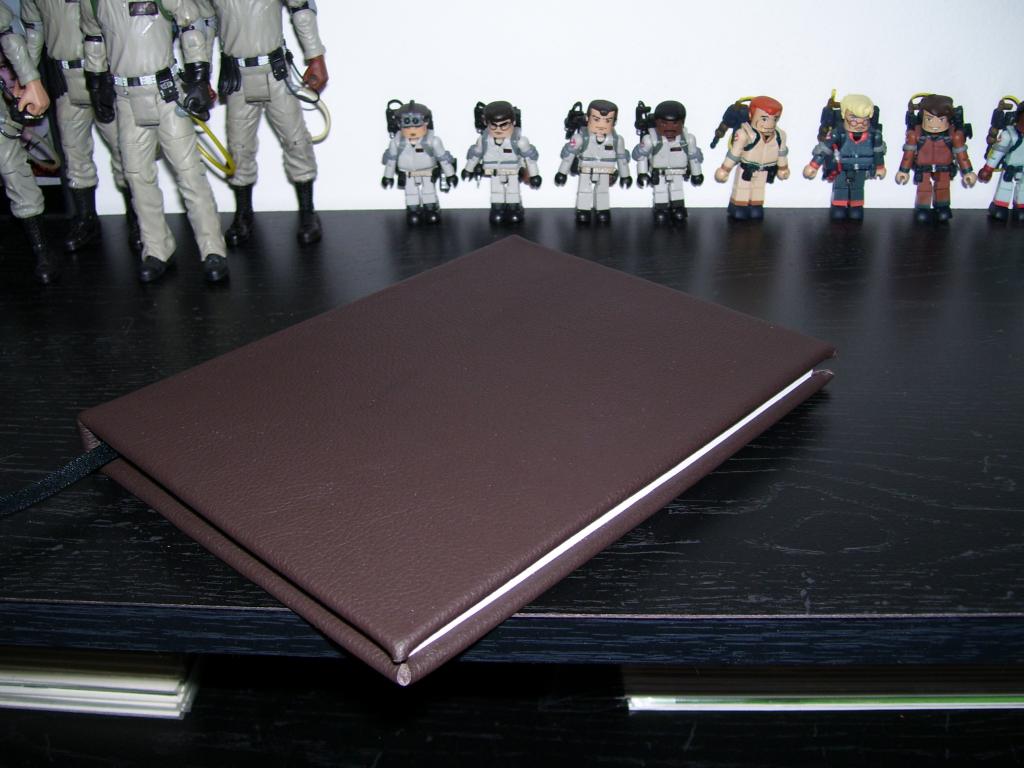
So I managed to bind my first leather book, Tobin’s Spirit Guide to be exact. It’s nifty and would smell like John Wayne if he didn’t already reek of badass.
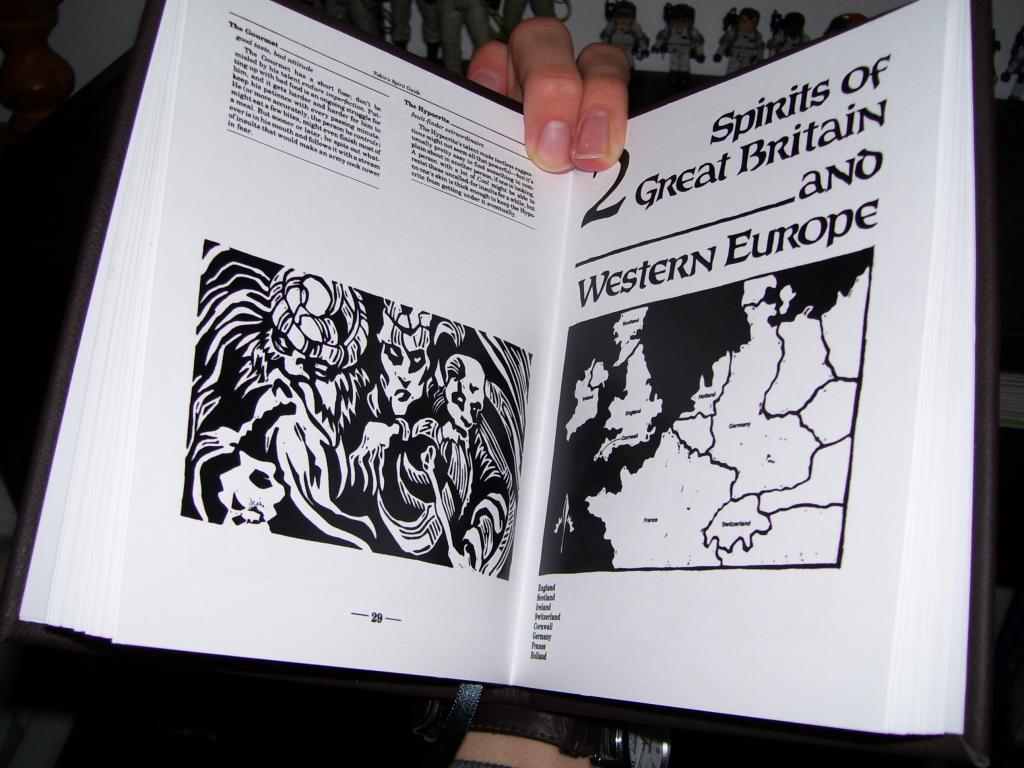
Then you open it and it’s like, WHOA, that’s some clean paper. And I’ll be like damn straight. That’s laser printed on sheared 28 lb premium with ribbon bookmark.
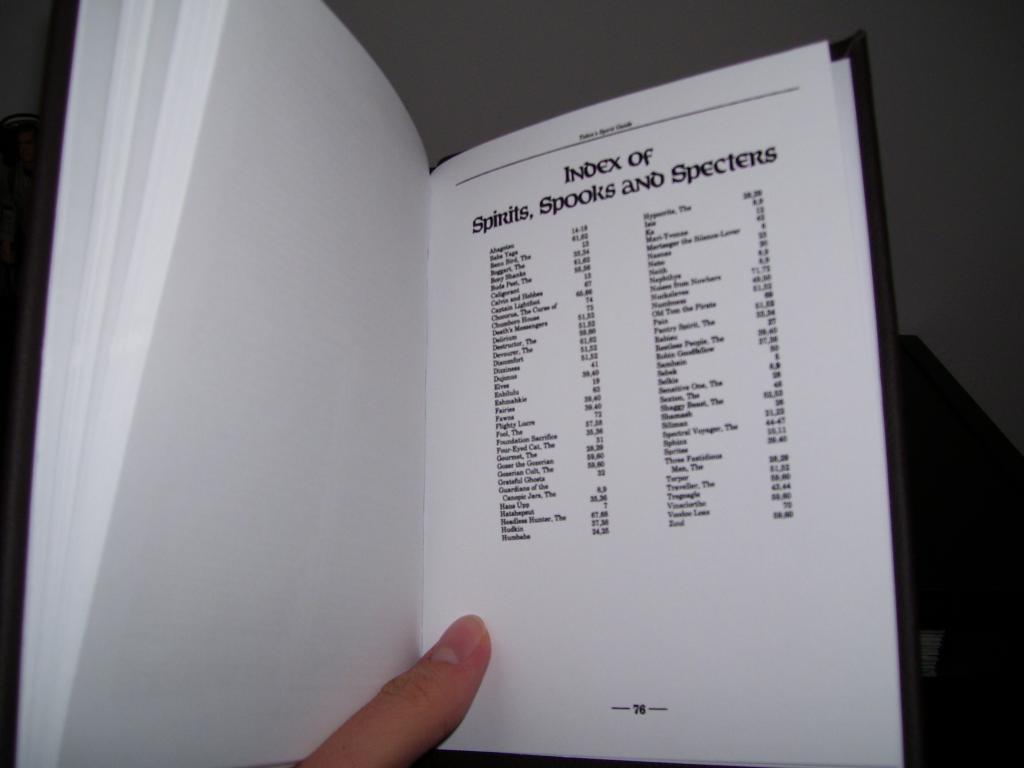
On a serious note though, I managed to go through and clean and realign every page then removed every game related aspect (because the COOL stat looks ridiculous in what is actually a pretty interesting read). I even reworked the index to where it doesn’t refer to the other game books.
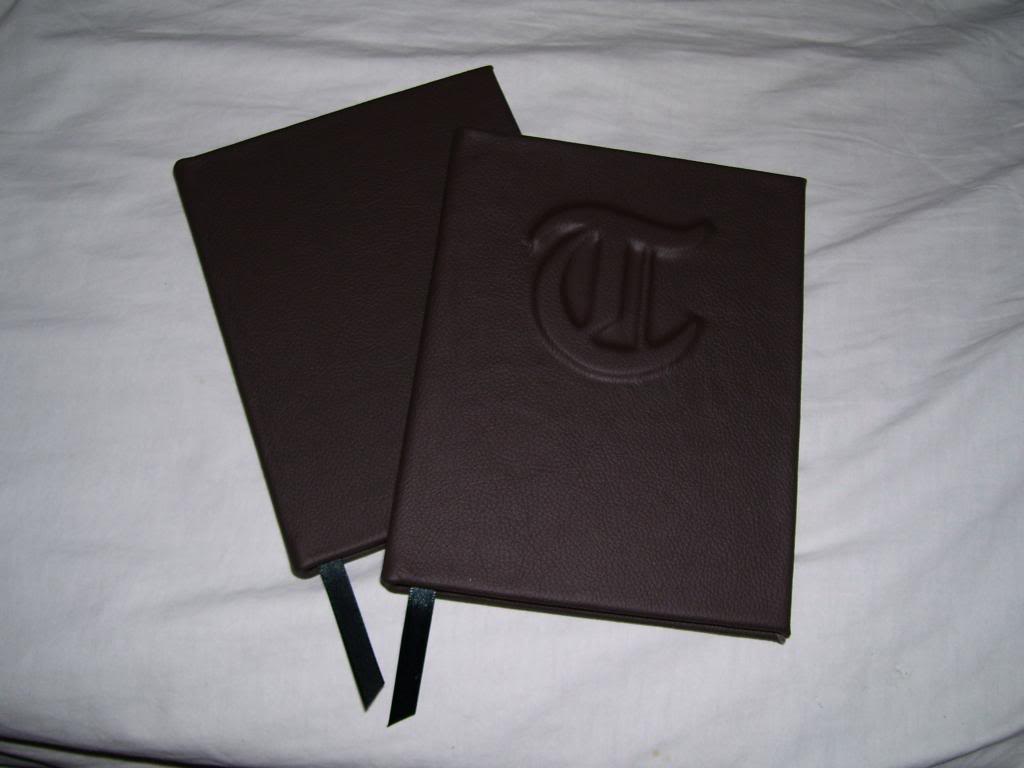
Granted this took longer than I expected it would but I’m pretty happy with it. Now I just need to decide whether or not to put the T on the cover because I applied a couple different ones to bits of scrap and really wasn’t happy with the look. So I think it’ll stay as is for now.
Looks fantastic! I’ve been mulling about the idea of putting together one myself, and you might have just convinced me. How did you do the T? Is it just another layer of board before the leather was applied?
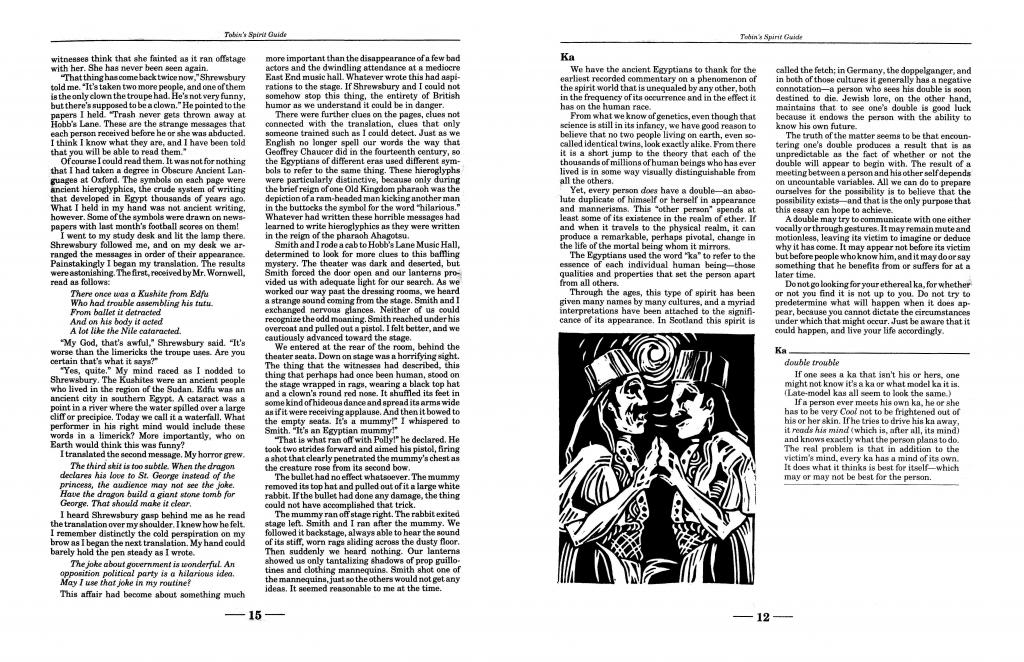
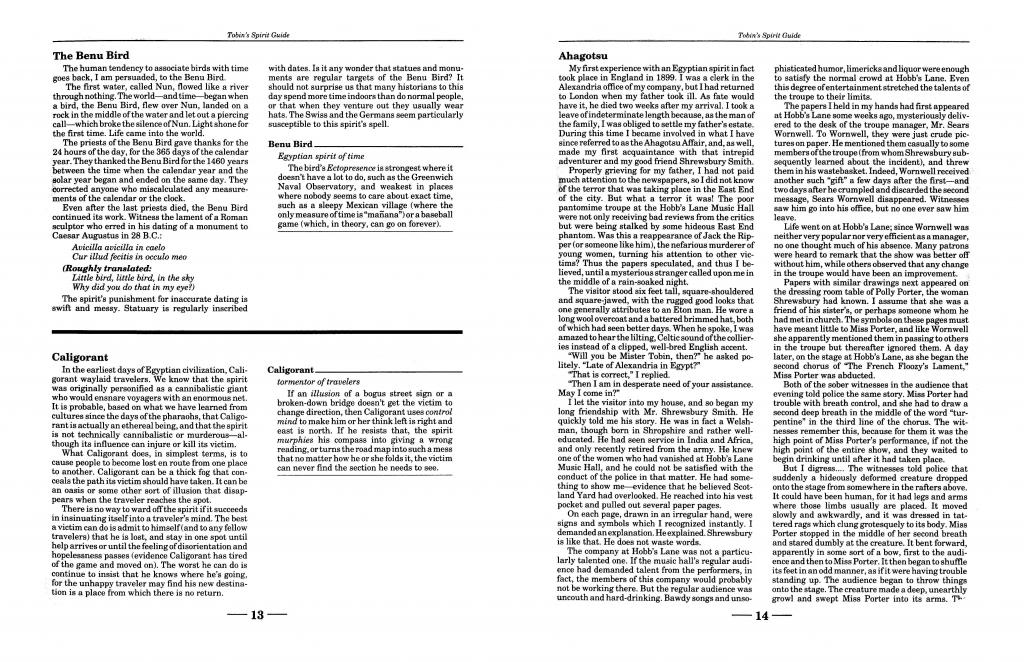
You got it, though I made the T with basswood so I could sand the edges down since book board has a tendency to not give crisp edges when you’re cutting curves. And I was debating whether or not to make the cleaned files available because A) wasn’t sure if there was much interest in cleaned pages with the stats removed, B) The files are big enough to cover a small bus, and C) I made a layout that would only work if you printed double sided as you can see below:
So while the layout works really well when folded in half, the pages will have to be cut to size. On the plus side though, I got 2 sets of these printed and cut at Staples for $17 which leaves only the folding and binding.
Right right, that all makes sense. And fantastic job on cleanup, by the way. Looks beautifully crisp. I’m glad you got rid of the fake worn edge border that is in the pdf, looks a lot nicer without that.
So here’s the ridiculously long url to download the cleaned pages.
To keep these in order, pair 1 and 2, 3 and 4, etc. and print them front and back. The template is just for if you want to get these cut so you’ll have the proper page dimensions.
BTW, the pages are pretty huge so the download is 107mb. If you’re running dial up, be prepared for the long haul…
Well, the template was mostly used to align the pages when I laid them out, but found that it’s pretty helpful if you plan on getting it sheared to size.
I’ll break it down in steps since I tend to get a bit long winded and completely lose track of what I’m talking about if I dump it in a paragraph.
-I went to Staples to get this printed off and cut to size. I got it done in a heavier weight than copy, but not quite cardstock. Ask them about different weights there, view your options and pick whatever feels right.
-When printing front and back pair up pages 1 and 2, 3 and 4, etc and that should keep everything in order and easy enough if you’re trying to explain this to the Print and Copy employee.
-Be sure to add 2 extra pieces of cardstock to the stack because you’ll need them at the beginning and end of the binded book to attach it to the cover (sounds confusing but you’ll get what I’m saying when you put it together).
-You’ll have to get the pages cut to size since the pages don’t cover a complete piece of paper, and that’s where the template comes in handy.
-The template is the size of the actual Tobin’s page. So just sit it on top of the prints and have them shear the outside edges of the template and everything should then be the correct side.
-Then just fold every page in half and bind them however you wish.
(btw I used PVA glue that I picked up at Hobby Lobby. It stays flexible after drying so it moves with the spine of the book without cracking. It works great)
Anyway, I’ll be the first to admit that I’m not the best at translating my experiences as coherent steps so if anyone needs any elaboration on any of this, please ask.