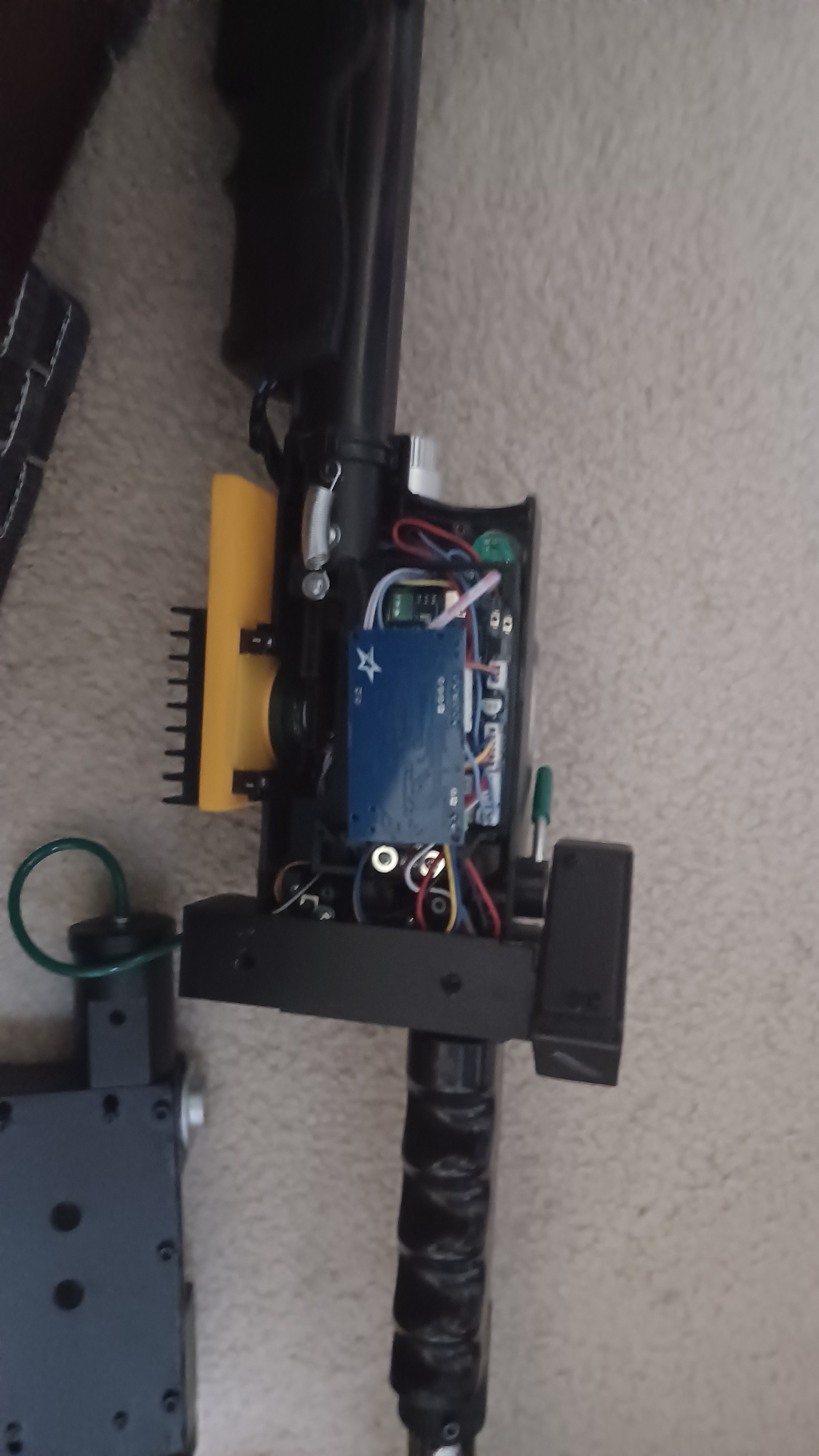
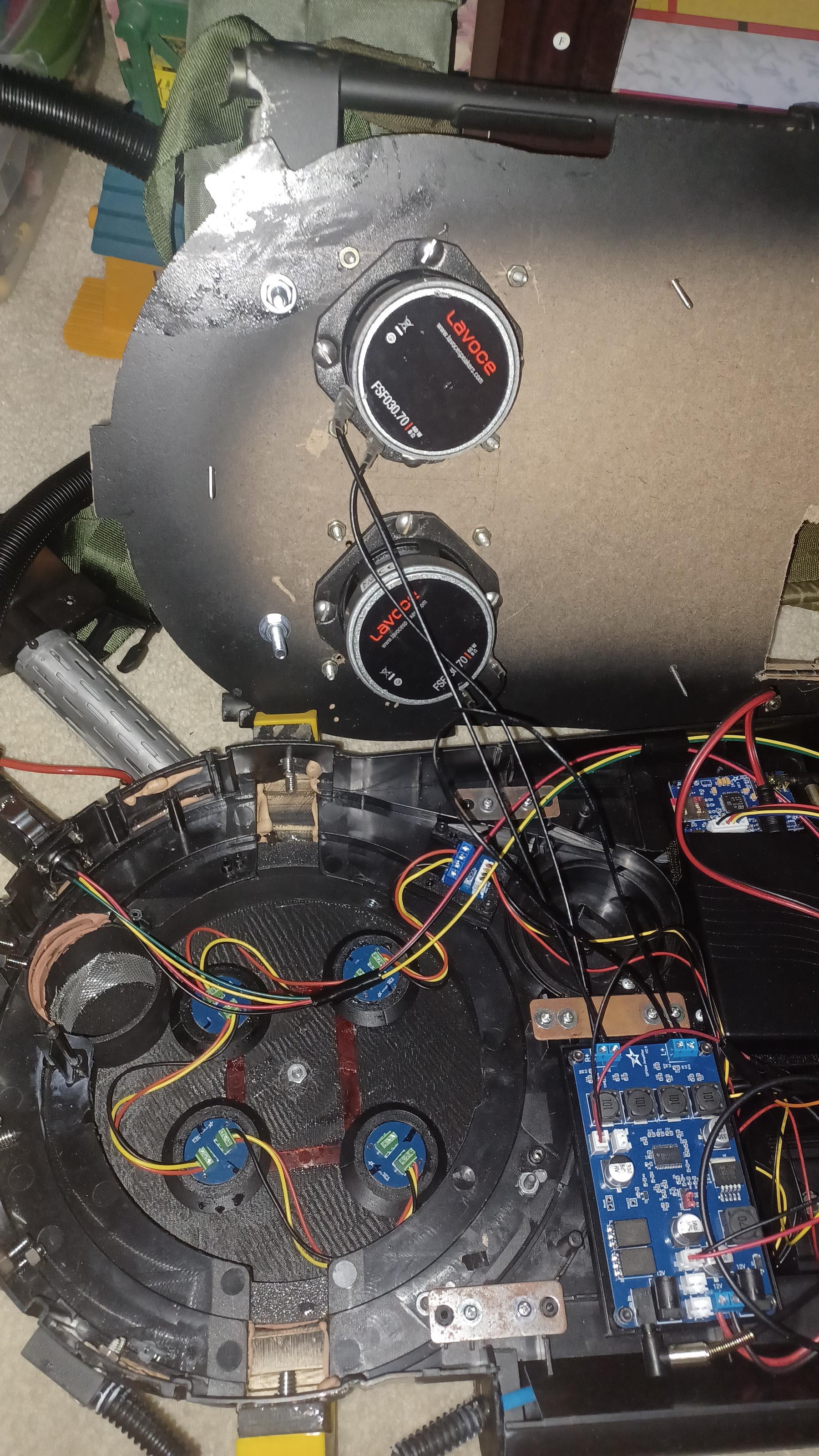
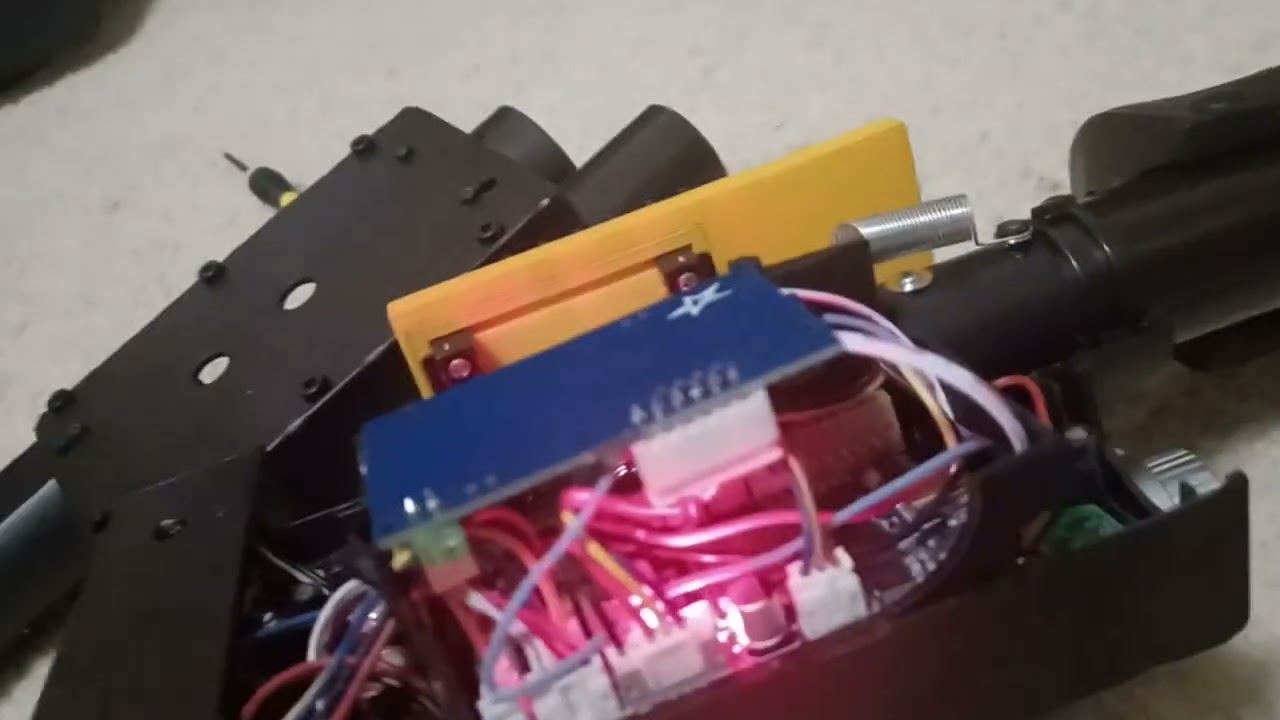
I'm at my limit with GPStar.

I have no idea on how to start this, other than saying that I’m angry.

For the last 3+ months, my Pack has been a glorified paperweight, one that I’m constantly worried about breaking. Reason being because I’ve having major problems with my GPStar Kit, and the company as a whole.

First, a little backstory.

I bought myself a GPStar kit back in August for my Spirit 80% scale pack which I’ve heavily modified to resemble a Frozen Empire HASP Pack. When it finally did arrive (in late October due to tariffs, and delays caused by something else that I’ll get into in a bit), I was able to install it alright. It’s not perfect, as I think I need to get lower profile speakers as they cause the motherboard to not sit flush with the Pack shell, but other than that I think it’s alright. However, once all was said an done, I than had to install the firmware and audio files into the pack. That’s where my problem lies.

You see, I wasn’t just sent standard GPStar boards, I was sent the GPStar 2 ones. I had known that this was coming for a while, as it was one of the reasons as to why they took so long to arrive, and I was enthusiastic about receiving an updated version of my favorite Pack Electronic Kit.

Oh how the opinion has changed…

Sort of. I’m sure I’ll come to love it, assuming I can get the freaking thing to work!! The problem has been that I can’t get the firmware installed for ■■■■. One of the new features of these boards is the fact that they now use wifi to do things like change settings easier, and in this case, upload/update firmware wirelessly. In order to do this, you need to upload the right files to the right boards (pack firm. To pack board; Thrower firm. To Thrower board). They have wifi networks that you connect a device to, so you can then access these .local pages where you can then upload the stuff.

The problem I’ve been having is that for God knows what reason, the Pack’s wifi network will not show up on any of my devices (Chromebook and Phone). If I plug the wand and hose in, it’ll show up, and be listed as the one for the pack, but I’ll only be able to access the .local page for the Neutrona Wand.

To make things 10x worse, help has been few and far between. I’ve had dozens of E-Mails to Michael Rajotte, trying to get help on the issue, along with also sending him photos and a video explaining the problem. Eventually, he wanted me and him to do a video/phone call in oder to “see what I was doing”. The problem is that we live on two separate continents, both with drastically different timezones, so we can’t agree on times to set this freaking thing. He’ll also frequently ghost me, leading me to say “did you get my reply?” Or something to that extent, and only sometimes does it work.

Like I said in the title, I’m really at my limit with GPStar and Micheal Rajotte. I don’t think that either are scummy people, but that they need to be more transparent on their ability to help me and others with similar problems with their products.

M088160

So yeah, If anyone here could give me advice on how to proceed (especially Nomake Wan, Jonogunn, or anyone else on the GPStar team), I’d be indebted in thanking you.
Any chance you’re located in California or Georgia? Any particular reason why (at least I don’t think) you haven’t posted on the GPStar FB group? Worst case, do you have Discord? I’m in California and wouldn’t mind helping you out.

I have zero clue what conversations you’ve had with Michael (those are between you and Michael, none of the GPStar e-mails go to anyone but Michael, us devs don’t have anything to do with the website or sales) so fair warning that you’ll essentially be starting over in the diagnostic process with me. But as far as diagnostics goes, I always suggest the same thing to everyone–start with the minimum viable configuration and go from there.

What it sounds like based on your description (that no WiFi network appears until you plug the wand in) makes me think that your pack board has bad/old/wrong firmware installed and is not actually working. When you plug the wand in, it gets power from the pack’s 5V rail but since it does not see a working pack on the serial data line, it turns its WiFi radio on (if the wand successfully connects to a pack, it shuts its WiFi off to save power since the pack should be handling WiFi duties).

You say you have a phone and a Chromebook. Is there any chance whatsoever that you would have access to a Windows PC? The easiest, simplest, one-step way to make 100% sure that the pack board has the correct firmware would be to just plug a Windows PC into the USB-C port on the pack board and use our flash tool to upload the latest firmware. Heck, could even do the same to the wand board if you wanted, at least to get to a baseline “known good” state on both boards.

Absolute worst case, if you’re not anywhere near California or Georgia, and you’re completely unable to get anywhere near a Windows PC, there is the option to just mail the boards to me, and I’ll do the initial update for you and make sure they’re working, then mail them back to you. Sorry you’re having a terrible experience, but let’s see if we can’t get you sorted.

Hi Nomake. It’s nice to be able to talk with someone who’s actually working on this stuff (again, no offense to Micheal…)

Unfortunately, I don’t live in California or Georgia, nor have Discord, Facebook, or a Windows PC. The only conversational lines and tech I’ve had at my disposal are what I’ve already mentioned. I tried making a Facebook account a few months ago, but for some reason that got banned before I was able to even log in. I suppose I could try making a Discord, but probably not this minute. That being said, I’m more than okay with starting from scratch if it means that my Pack actually works.

I remember him mentioning how I should try uploading the latest version of the firmware off the site. Did that, but nothing happened. I tried plugging a USB cable into the port on the Pack board, and I did get a Prompt saying that it connected to my laptop, but not much outside that. All it did was give power to my pack.

If the pack has bad firmware, but the only way I can get it new firmware is by plugging in the wand so the wifi board works, how then am I supposed to give it proper firmware?

[quote=TriBumperTroglodyte post_id=5007955 time=1767562761 user_id=86784]I remember him mentioning how I should try uploading the latest version of the firmware off the site. Did that, but nothing happened. I tried plugging a USB cable into the port on the Pack board, and I did get a Prompt saying that it connected to my laptop, but not much outside that. All it did was give power to my pack.
[/quote]

A Chromebook (a stock Chromebook, anyway) is not going to be able to upload firmware because it will not have the appropriate JTAG drivers. If you replace ChromeOS with real Linux, then it is theoretically possible to achieve a proper connection between the computer and the USB port on the pack board, but you would also then need to run a command line tool to perform the firmware flash. So the behavior you describe is entirely expected.

[quote=TriBumperTroglodyte post_id=5007955 time=1767562761 user_id=86784]If the pack has bad firmware, but the only way I can get it new firmware is by plugging in the wand so the wifi board works, how then am I supposed to give it proper firmware?
[/quote]

You misunderstand; the “WiFi board works” you are detecting is the wand WiFi, not the pack WiFi. What I was saying earlier was that when you plug in the wand, the wand first checks (via the hose connections) whether a working Proton Pack exists. If it does not find a working Proton Pack, then the wand turns its own WiFi radio on (because it assumes you might be trying to run the wand in standalone mode, which we do support). Power to the wand will flow through the hose so long as you have the wiring correct; it does not rely on the Proton Pack electronics board to actually be functioning.

The root cause here appears to be that the Proton Pack has bad firmware somehow. If that is the case, updating the firmware via the USB-C port is the only known way to fix it. If you do not have access to a device with a real operating system (Windows preferred because we have a one-click Windows tool for exactly this situation, but technically can be done on Linux or Mac OSX with a command line tool too), then it looks like your best bet is mailing the electronics boards to me and having me do it for you. Thankfully this will be the only time this would be necessary, as once you have working firmware on the pack and wand, you will be able to update them over WiFi as normal.

That said, I will warn you that future firmware updates may also require loading new audio onto your microSD cards, and doing that will likewise require access to a device with a real operating system. A phone and a Chromebook will likely not suffice for updating the WAV files on the microSD cards.

If you would like to move forward with sending your boards my way, please send me a private message here on GBFans and I’ll work out the logistics. Otherwise, just let me know if there are any other questions I could answer.

I sent you a private message. Did you get it yet?

My apologies; I did indeed receive your message, but I left to assist my team at Anime Los Angeles last weekend and then promptly came down with the dreaded con crud which took me out of commission for a week. I’m better now thankfully, and will be replying to your message shortly.

Thank you for your patience.