I was wondering if the Hasbro haslab proton pack compatible with gbfans parts. The one part that I would like to know about is the ribbon cable clamp. Can I use this part to replace the plastic one. I would like to change the ribbon cable like adam savage has done! I have purchased the ghostbusters one ribbon cable!!! I actually found one!!! Any help will be appreciated.
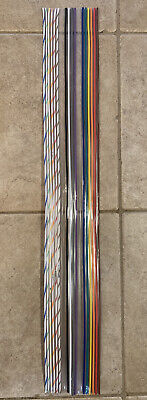
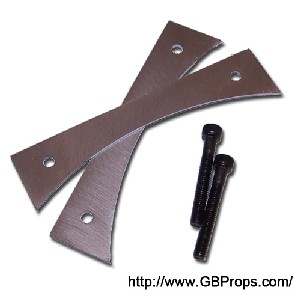
The cable clamp on the pack acts as a “button” that activates an alarm when you unplug it while the pack is turned on. There’s a nub that fits into socket on the pack that activates it
Thanks for the heads-up
My proton pack is coming today so I going to have a look! I would still like to replace the ribbon cable. Maybe I can use the stock cable clamp with the new ribbon cable
In Adam Savage’s video he wasn’t able to. It was too stiff and the plastic brackets not strong enough. He had to make real aluminum ones
Looks like he only tried to glue it in from the edge though. By trimming down the cable and inserting the parts that fit into the clamp it may work
I am sure I will be able to figure something out!!! I am good with tools. Where there is a will there is a way!!! In adam savages video he tried once and moved on
Someone on Facebook managed to separate the Hasbro clamp.
You can keep the Hasbro clamp and its functionality by doing that.
You’ll need to make about six small holes at the bottom of the 84 ribbon cable to seat it on the Hasbro clamp.
To attach the top, you’ll need to open the pack. The stock cable has two or so holes in it that are secured to the inside of the pack by screws. You’ll need to replicate those holes.
If the 84 cable is too stiff, try heating it and bending it into place. Honestly, fake repro ribbon cable may be more forgiving (and cheaper, if you can catch it in stock).
Virtually everything on the Hasbro pack can be modded with screws and rubber plugs. If there’s something that doesn’t exist needed as an adapter, it can be 3D printed. I’m looking at making a replacement cable clamp for 84 cable so you don’t need to disassemble the stock clamp although it’s way down my list of priorities, honestly.
I wouldn’t personally advice drilling or cutting on anything stock on this pack. It’s not really necessary IMHO. As long as you’re comfortable with a screwdriver and open to small 3D printed parts, basically anything can be unscrewed or popped out with friction and replaced. Just keep your stock parts in a box to put back on in an emergency.
Even the front of the ion arm, which is missing two screws, is screwed on from the back and can be easily replaced with a more accurate ion arm front.
Heck, on the inside, only one connection to the chip is soddered: the vibration motor. Everything else uses connectors and can be swapped without permanent mods. Folks are working on a replacement chip.
Thanks for all your help and insightful information. Two thumbs up!!! I just got mine like 1/2 hour ago and yes you most certainly can take off the stock ribbon cable clamp for reuse!
I’m struggling. Might be an order of operations issue.
I connected the wand to the proton pack. When I activate the wand (switches in down position) by flipping up the bottom right one and the top right one, then extend it. All of these actions turn on the proton pack. However, when I flip up the activate switch on the left, it is turning off the proton pack.
If I’m able to get it all running, nothing happens when I push the intensify button.
Thanks.
Hm. You might have trouble with your hose connection. Are you moving the hose when this happens?
I’ve heard of some people fixing hose issues by plugging some tinfoil inside the connector plug to extend the connection.
Or it could be a voltage issue. Are you using new batteries? If so, what kind? Not rechargeable, right?
I am having this same issue. Once things are humming after I flip the first two switches, then taking certain actions such as flipping activate, extending the tip, firing, collapsing the tip, or even twisting the intensity knob will all randomly power everything down. Nothing I do causes a successful fire. Hose seems fine as the process of starting up always works no matter the position. It just won’t fire.
[quote=Whirlygig post_id=4977088 time=1673923061 user_id=30283]I am having this same issue. Once things are humming after I flip the first two switches, then taking certain actions such as flipping activate, extending the tip, firing, collapsing the tip, or even twisting the intensity knob will all randomly power everything down. Nothing I do causes a successful fire. Hose seems fine as the process of starting up always works no matter the position. It just won’t fire.
[/quote]
UPDATE: I was using “new” but old batteries. They tested in the “good” range but some expired in 2023, 2019, 2015. I went to the store just now and grabbed brand spanking new Energizer Max good thru 2031 and now it all works right.
Ya. I’m using new Ds from a drawer. I’ll purchase and try new batteries from Target.
Good to know as I am having similar issues. I know that these batteries are older too. I was going to fire off an email to hasbro. Now I will try new batteries!!!
Unrelated note…did any of you guys receive the Class I stretch goal 1984 “decals”, or the Class III Spengler Special items (notebook, stickers)? I received none of this, unless there is somewhere I didn’t look. I can see a compartment built into the faux wooden insert on the right hand side that looks like maybe it was intended to hold some of that, but it’s empty save for a white envelope with the blueprint 1-sheet instructions and some small white legalese papers inside.
I did get the Mallow goo, the mini pufts, the hose obviously, the Alice hardware, the display stand, the orange wand tip…that was all as far as extras though.
The stickers and the journal was in the bottom box! It was in a white bag. The journal may have been by itself in the bottom box
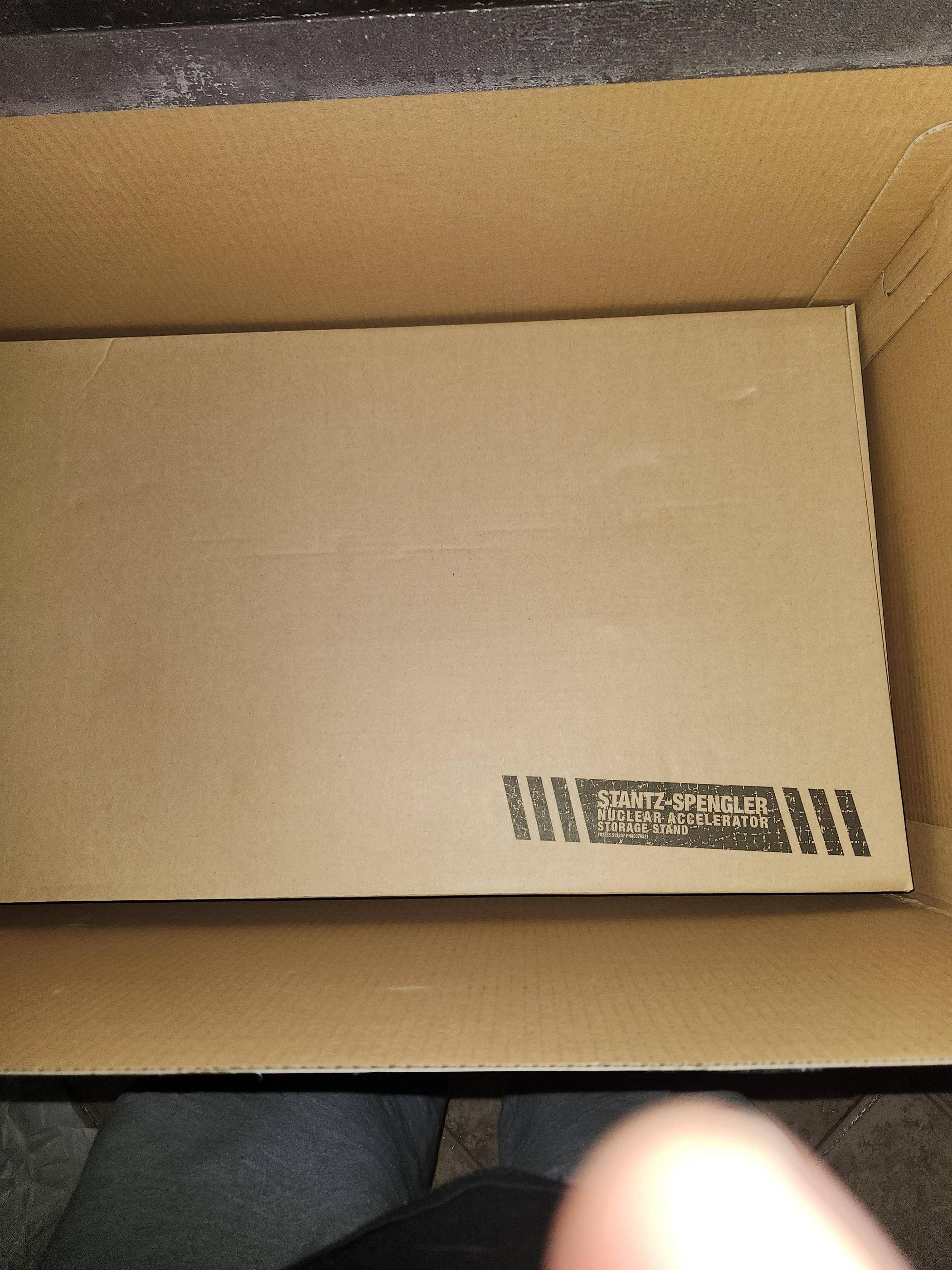
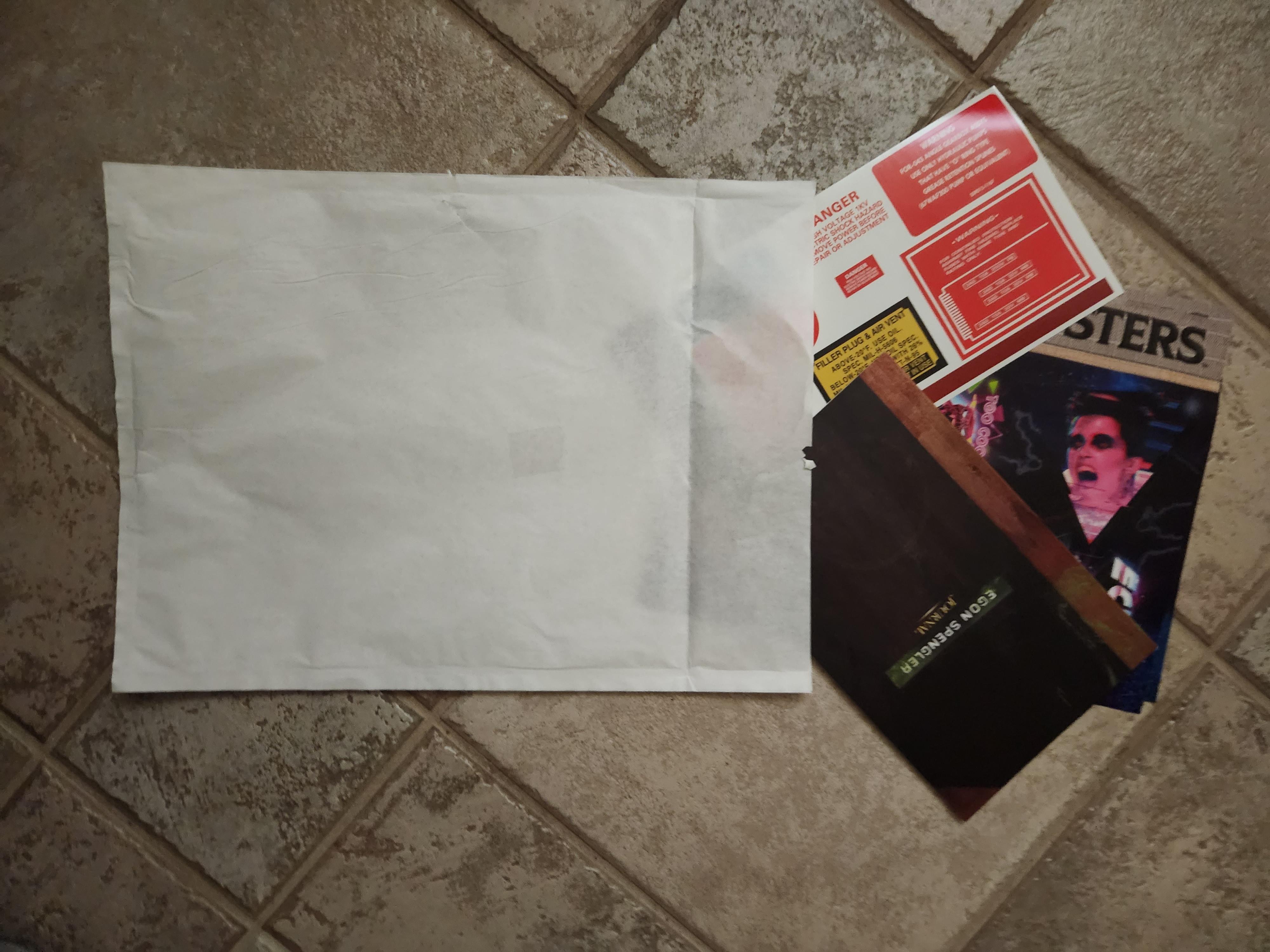
Thanks. I just saw your post plus an unboxing video and sure enough mine were there inside the display stand box, I just completely overlooked them probably subconsciously assuming that was a display stand manual or something. Underwhelming as those items are, I’m still glad all is accounted for!
Hey we all paid good hard earned money for it! It better all be there lol
I’m having similar problems, with the pack starting up and shutting down randomly even with all of the switches (pack and wand) in the off position. I just got the pack today and haven’t had too much time to experiment with it, I’ll try some fresher D-cells and see if that helps. Maybe I’m accidentally hitting a switch on the wand and not noticing it.
Does anyone know what the little cubby on the side of the pack is for? It’s not large enough to store batteries when not in use.