So I get the TrapFX installed just fine, no issues. Used at a few events and everything has been great.
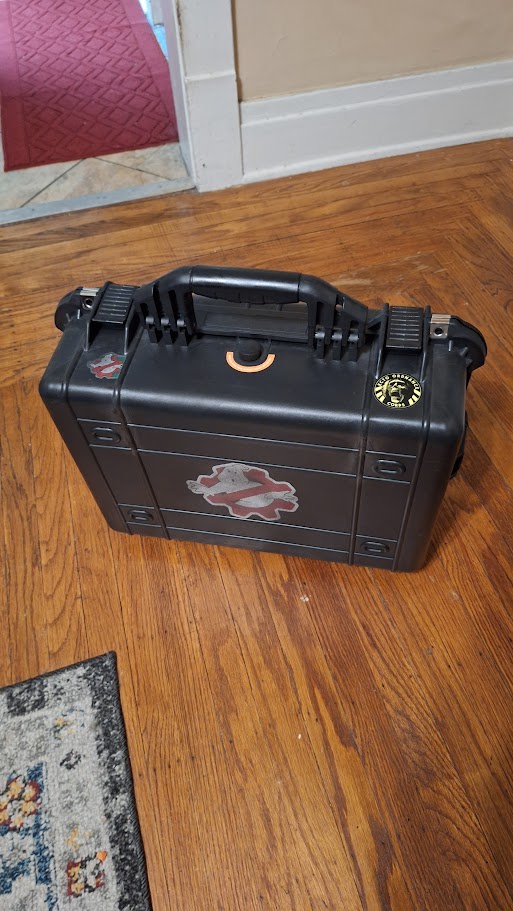
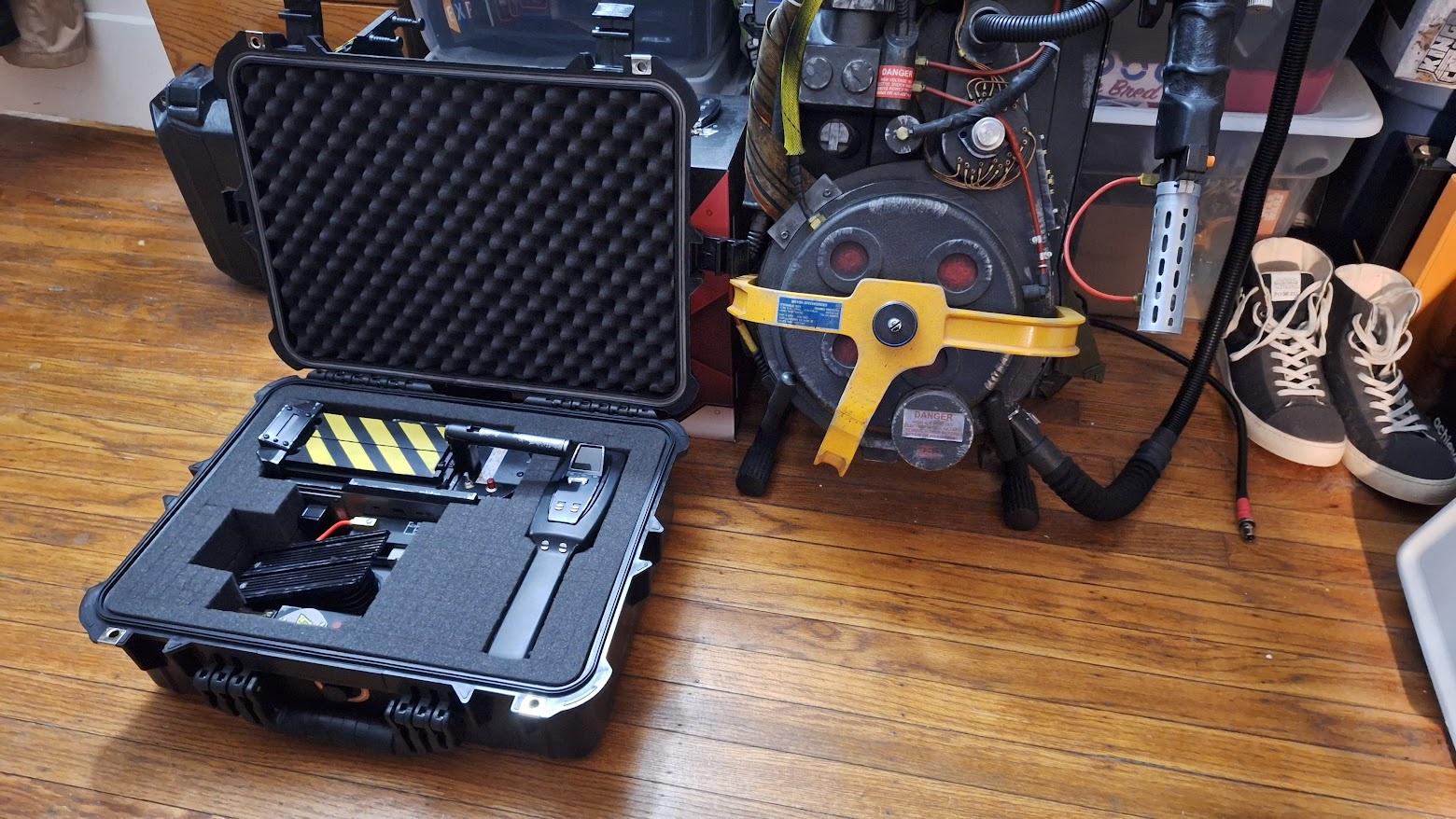
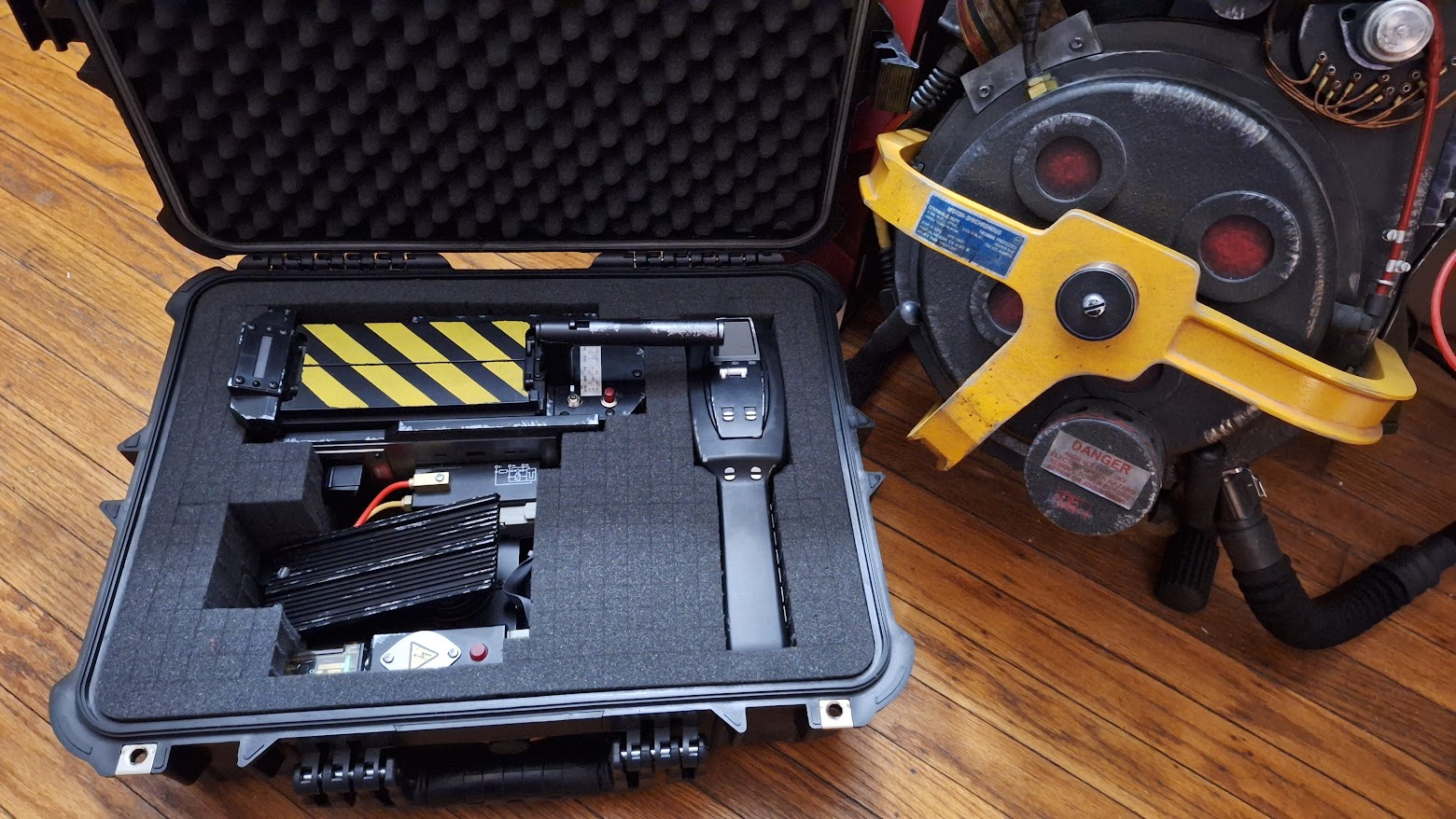
Fast forward to today, I am test fitting the trap in one of the Harbor Freight hard cases when it just turns on.
For those that don’t know, the TrapFX kit makes the SYNC knob the Main Power Switch and the toggle is secondary.
So now no matter which position the SYNC knob is in, the trap is always powered. Guessing somehow I jammed the little microswitch there when putting it in.
Question is, does anyone know what kind of switch this is? I fear I need to replace it.
Or is there a way to fix this?
*EDIT
I just pulled the switch from the circuit board and it still receives power.
Dave with EctoLabs got back to me. He theorized that static from the foam Went through the back connector and likely jacked up the regulator and here we are. I also forgot about the warning in his instructions about static through the connector.
However, the trap and everything works fine. It’s just on at all times, so I will add a switch to disconnect the battery then.
So, let this be a lesson to others. Put a protective cap on the connector and if you do a case… Get anti-static foam.
Apologies for the late reply (was very busy with the end of the semester), but this is correct. Even the stock HasLab trap will fry if placed into one of those cases (as many 'Busters have found out the hard way). ABS plastic and regular foam is a recipe for massive amount of static electricity that can fry the delicate electronics inside.
So yes, pink anti-static foam or use a different storage method.