Haslab Two in the Box Trap & PKE Customisation

Hi all,

A few months ago, I was lucky enough to get hold of a BNSIB Haslab Two in the Box at a very good price on eBay. It’s been sat in my loft over the summer as I worked on my Hasbro 1984 pack and wand project, but as that’s pretty much finished now, this weekend I finally decided to open it up, and I’m now about to embark on another customisation project.

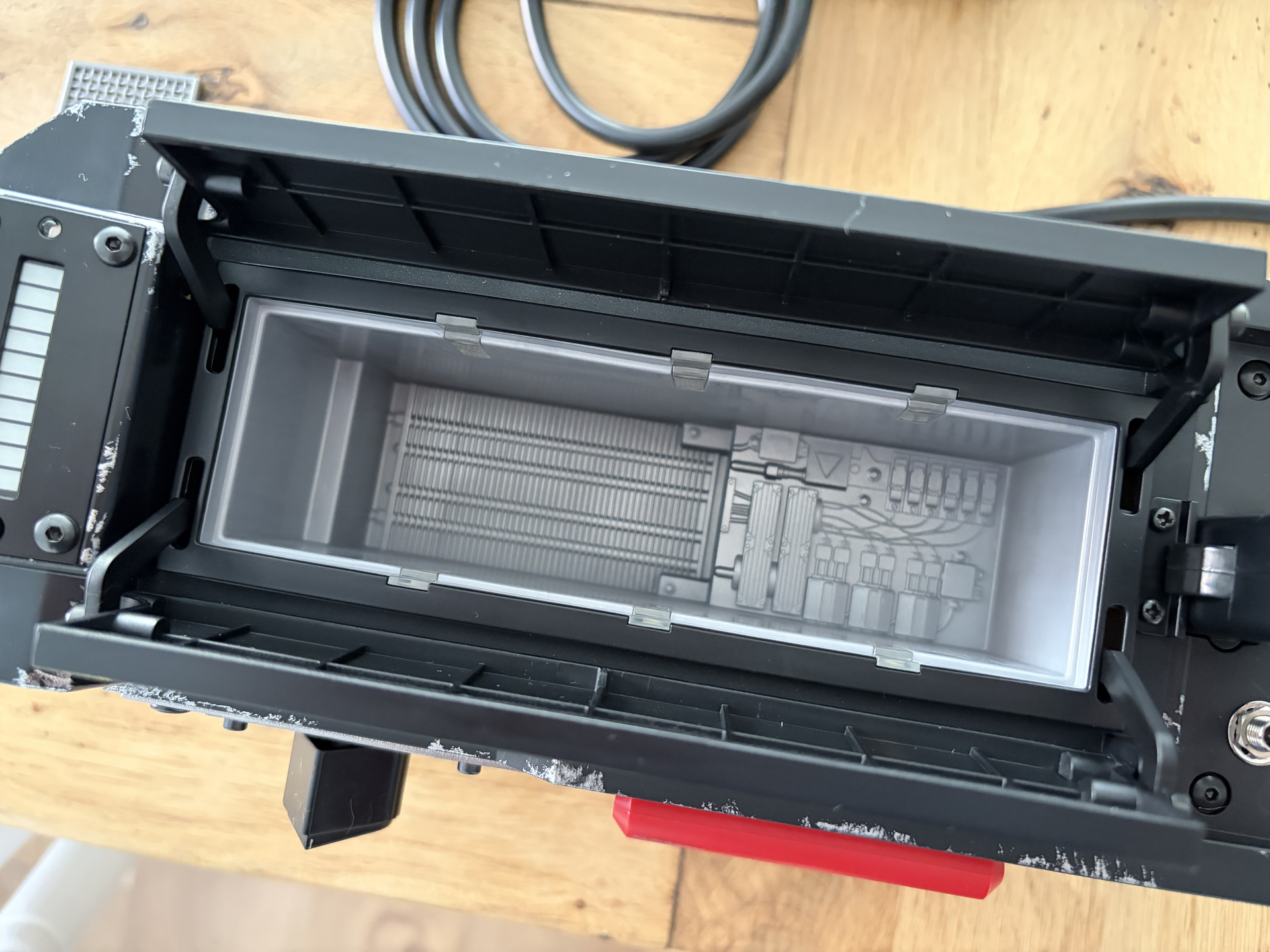
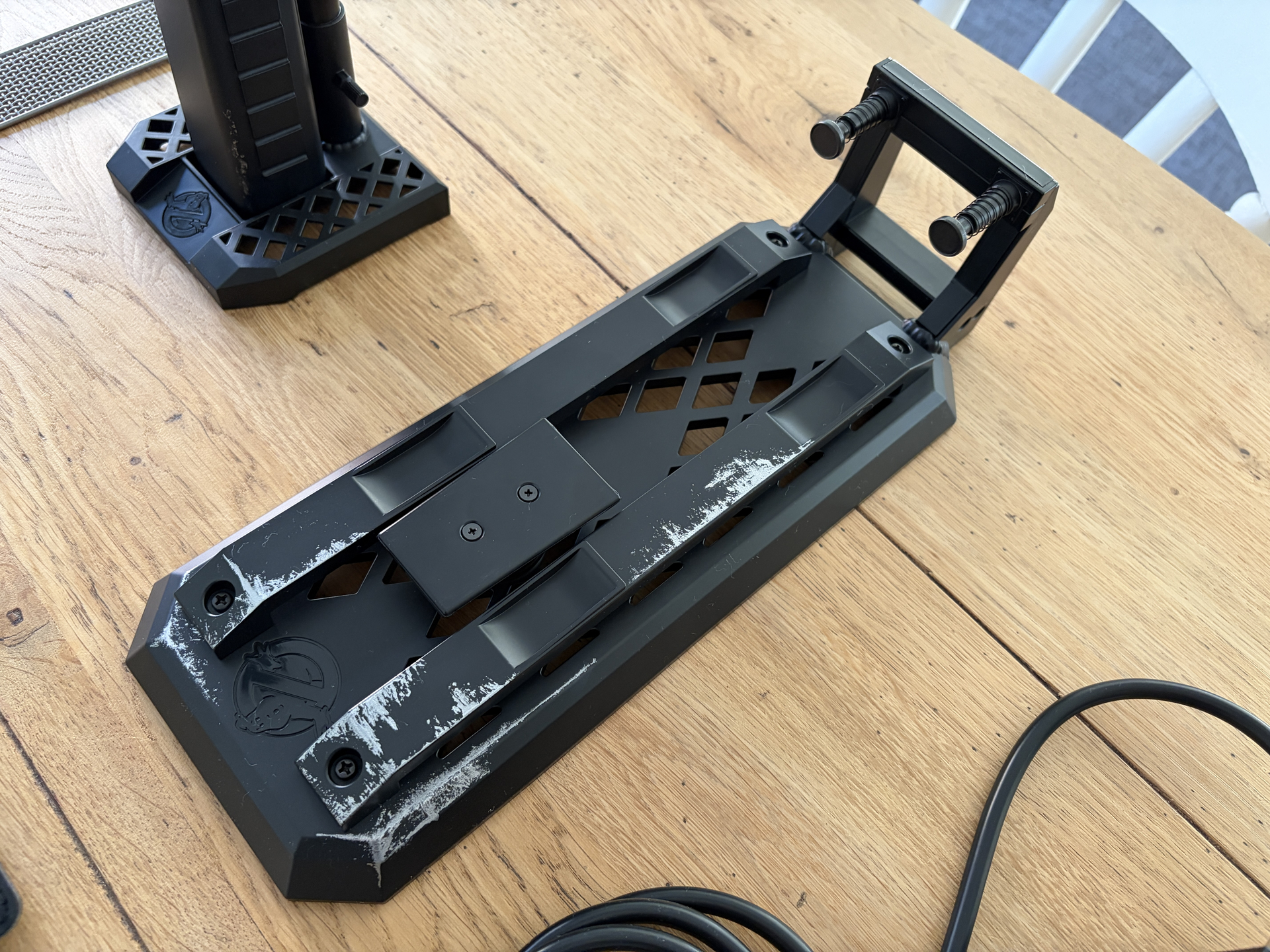
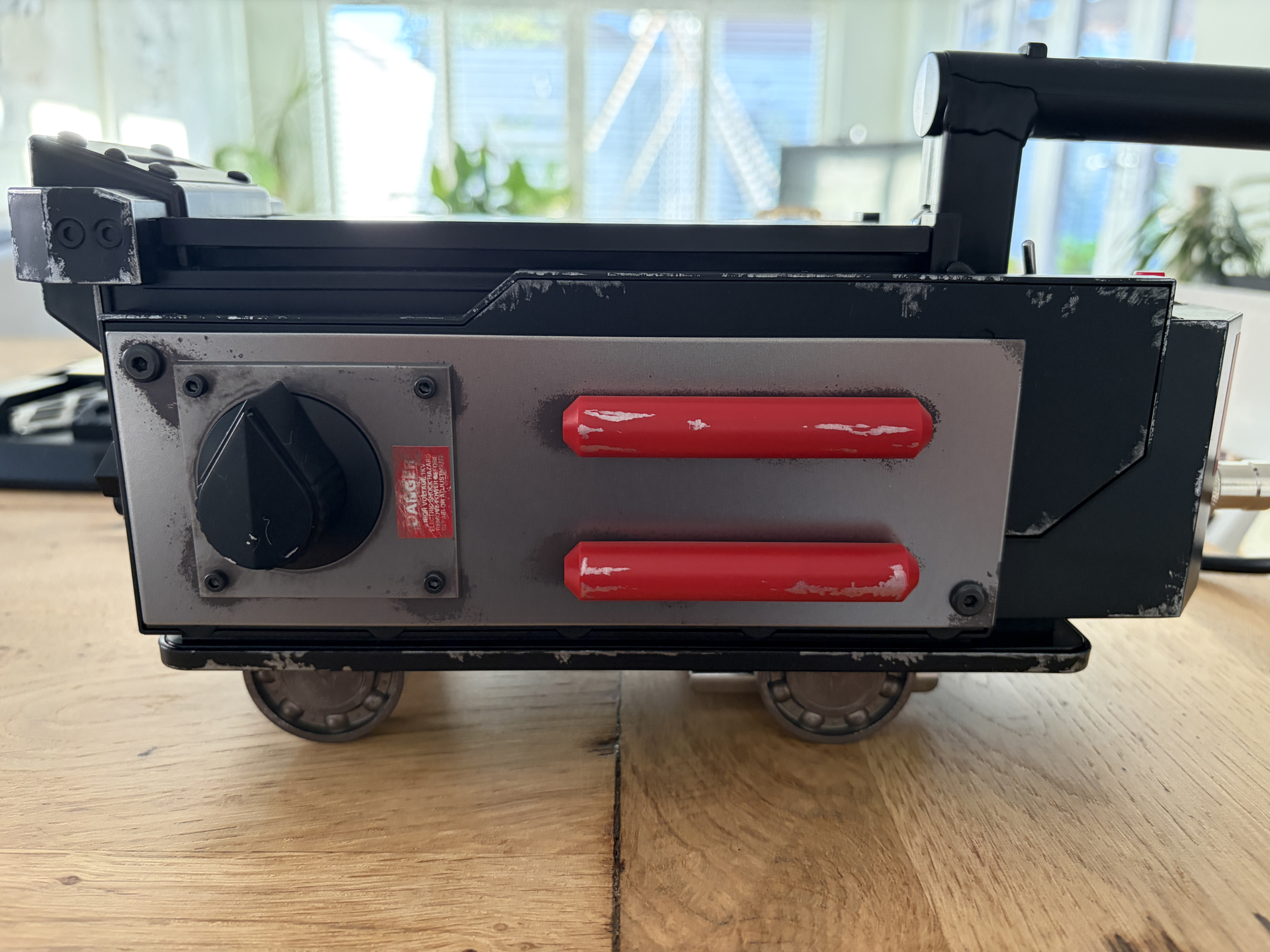
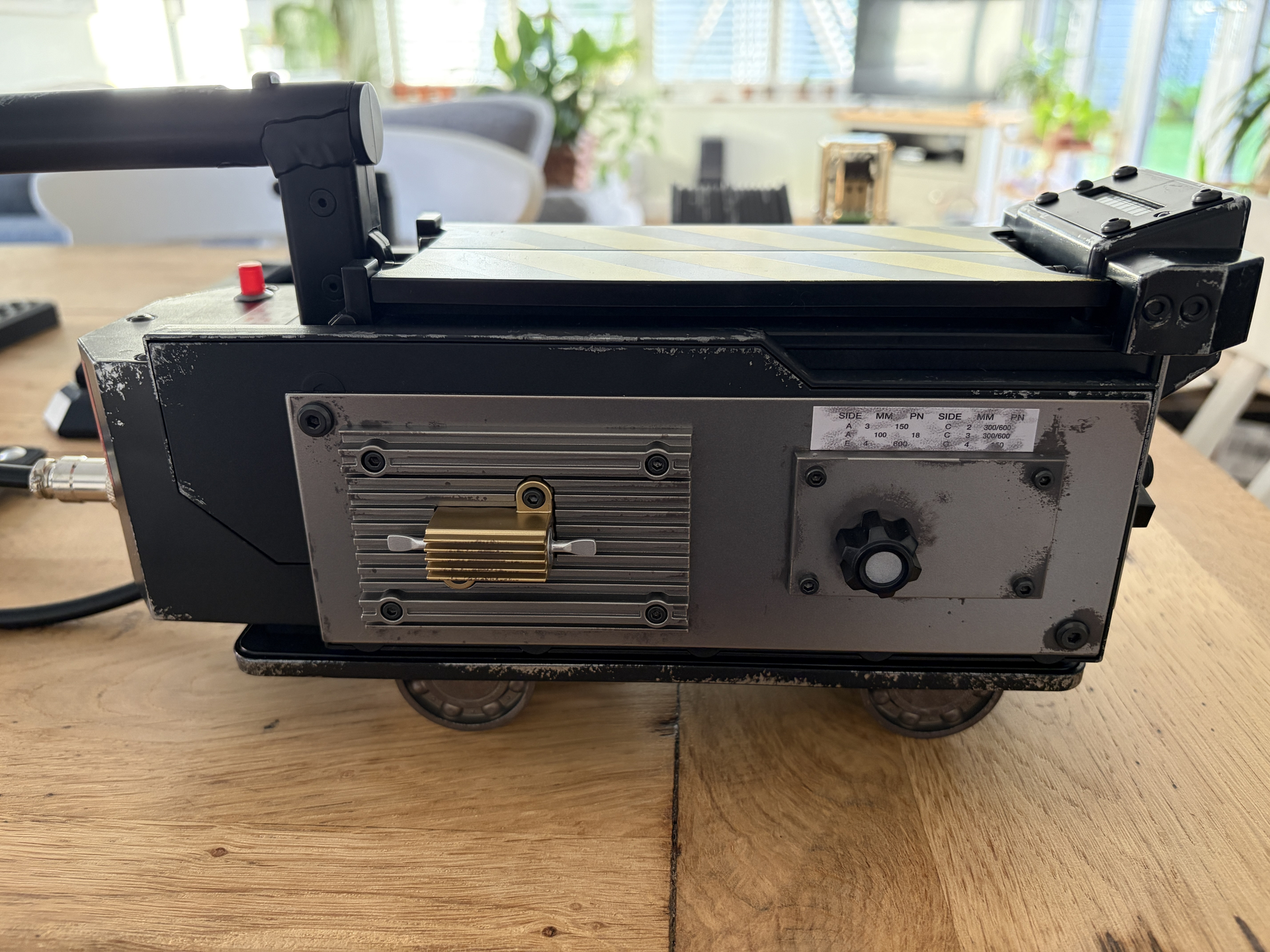
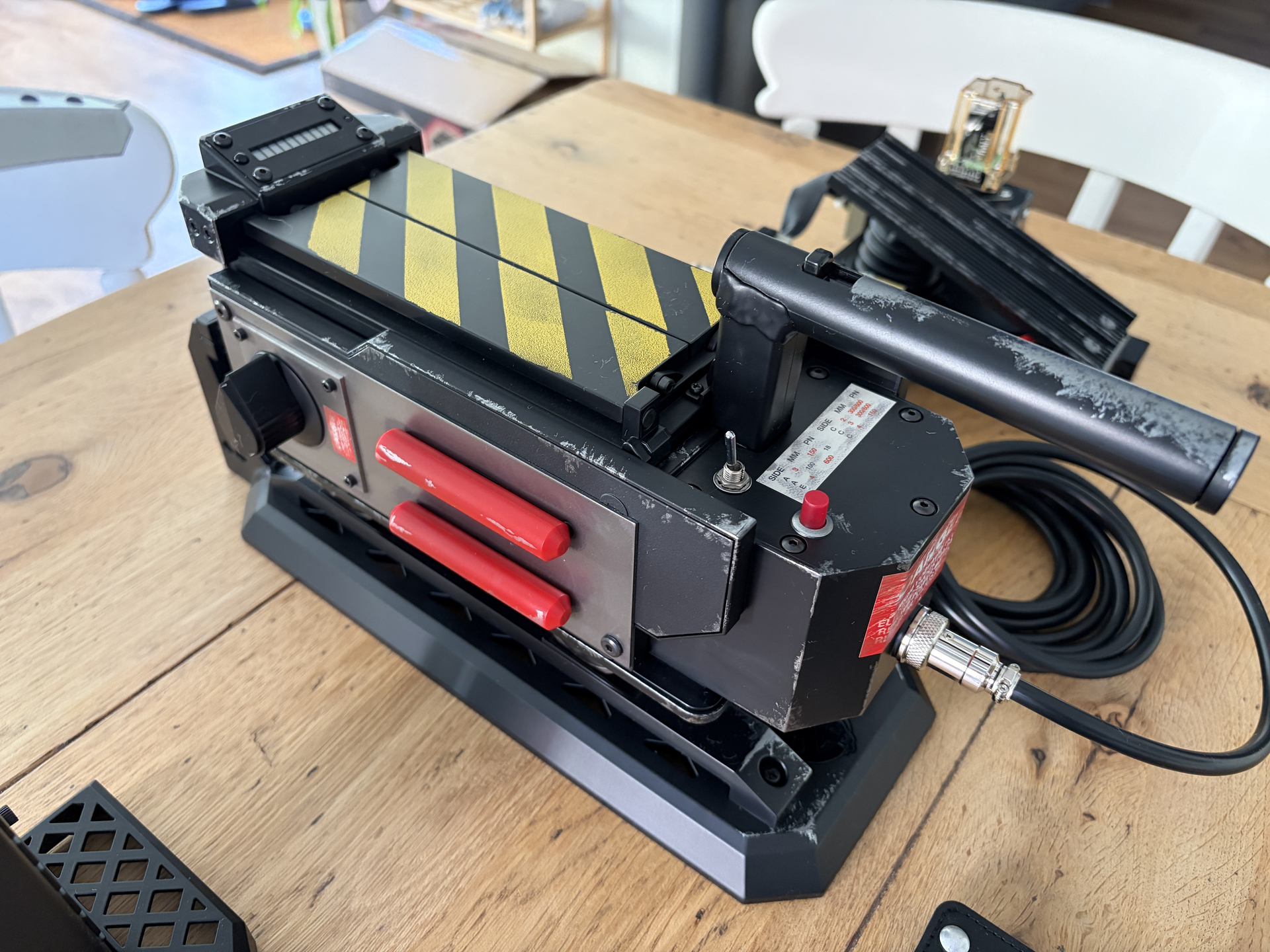
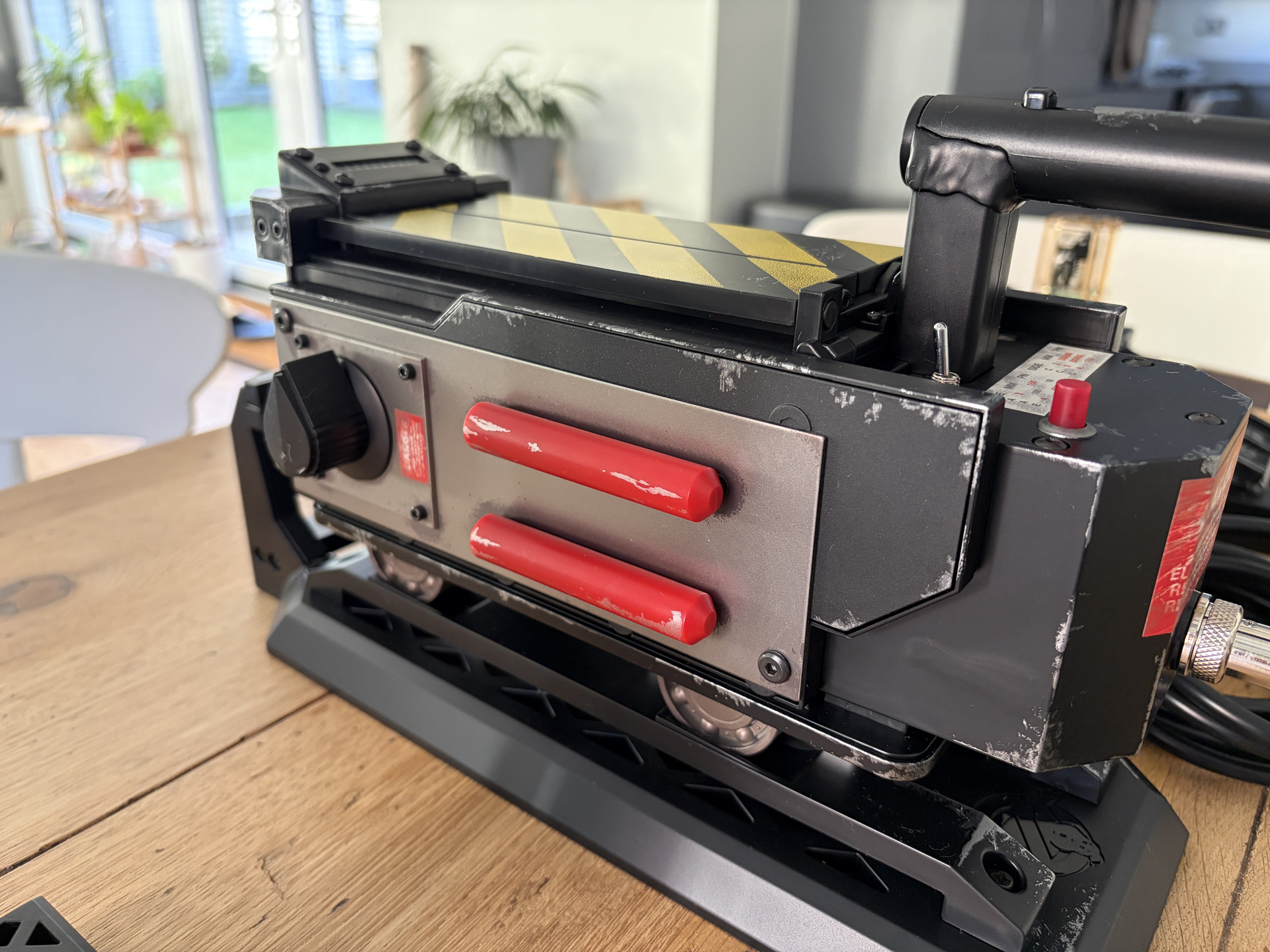
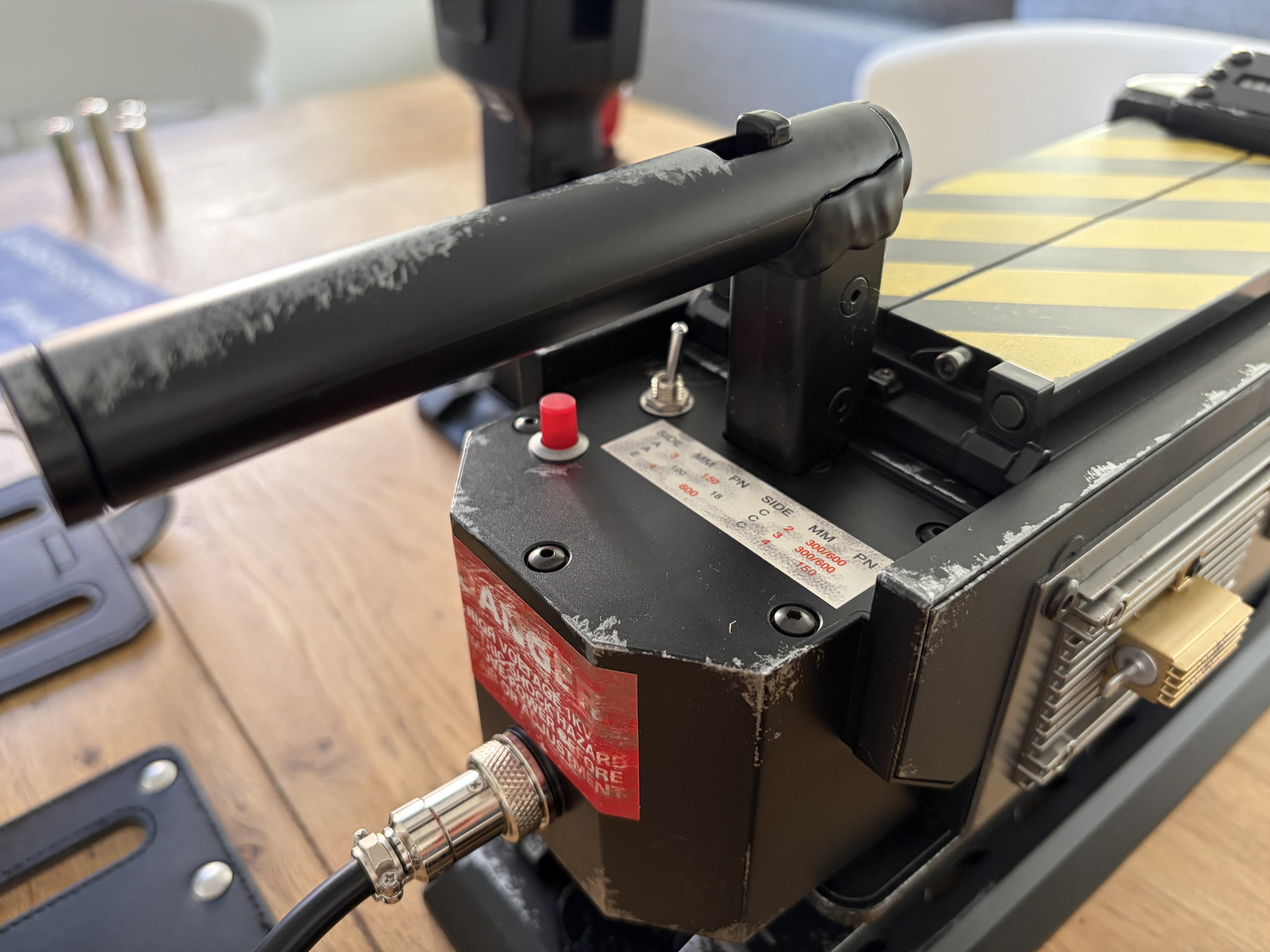
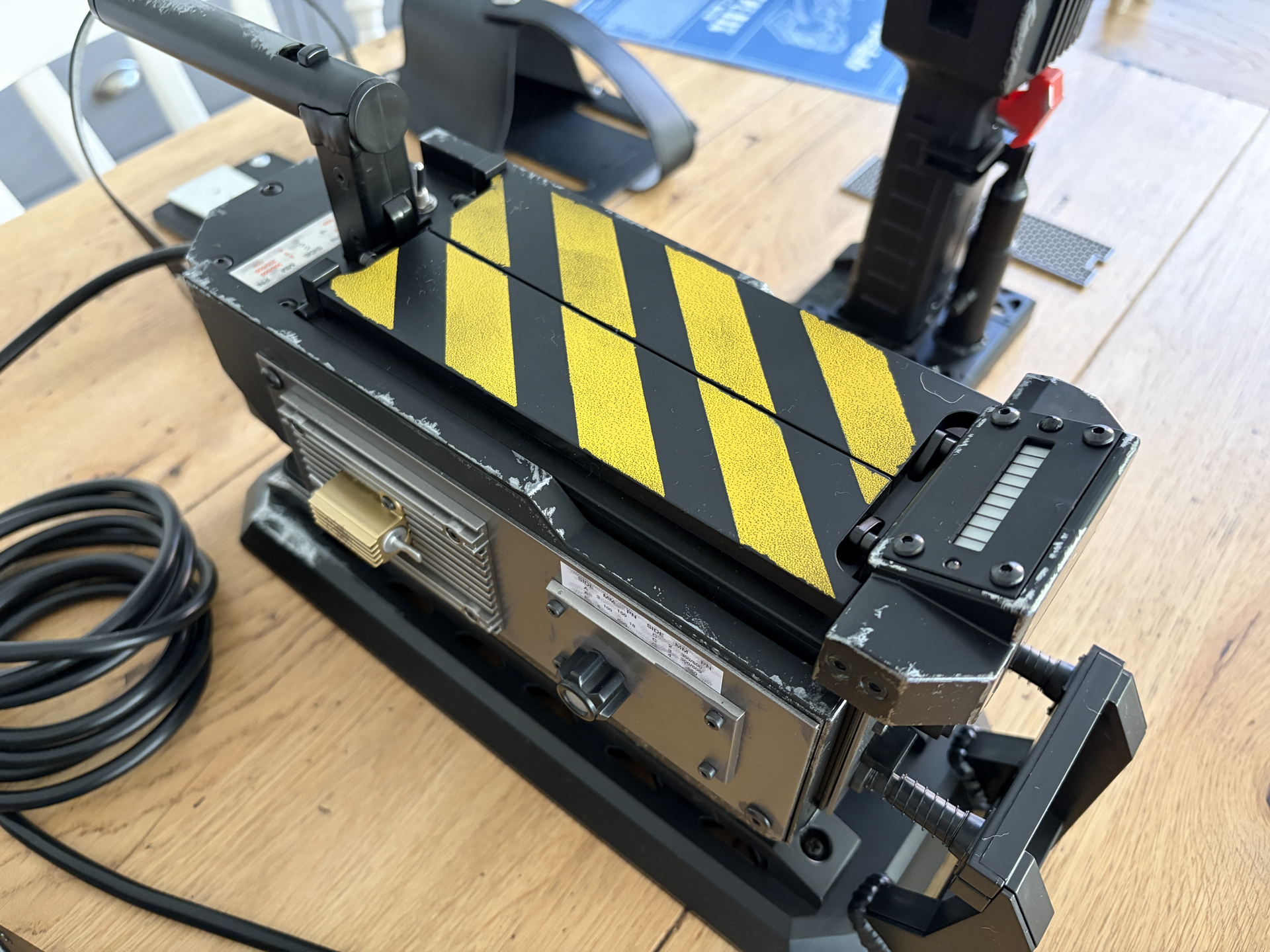
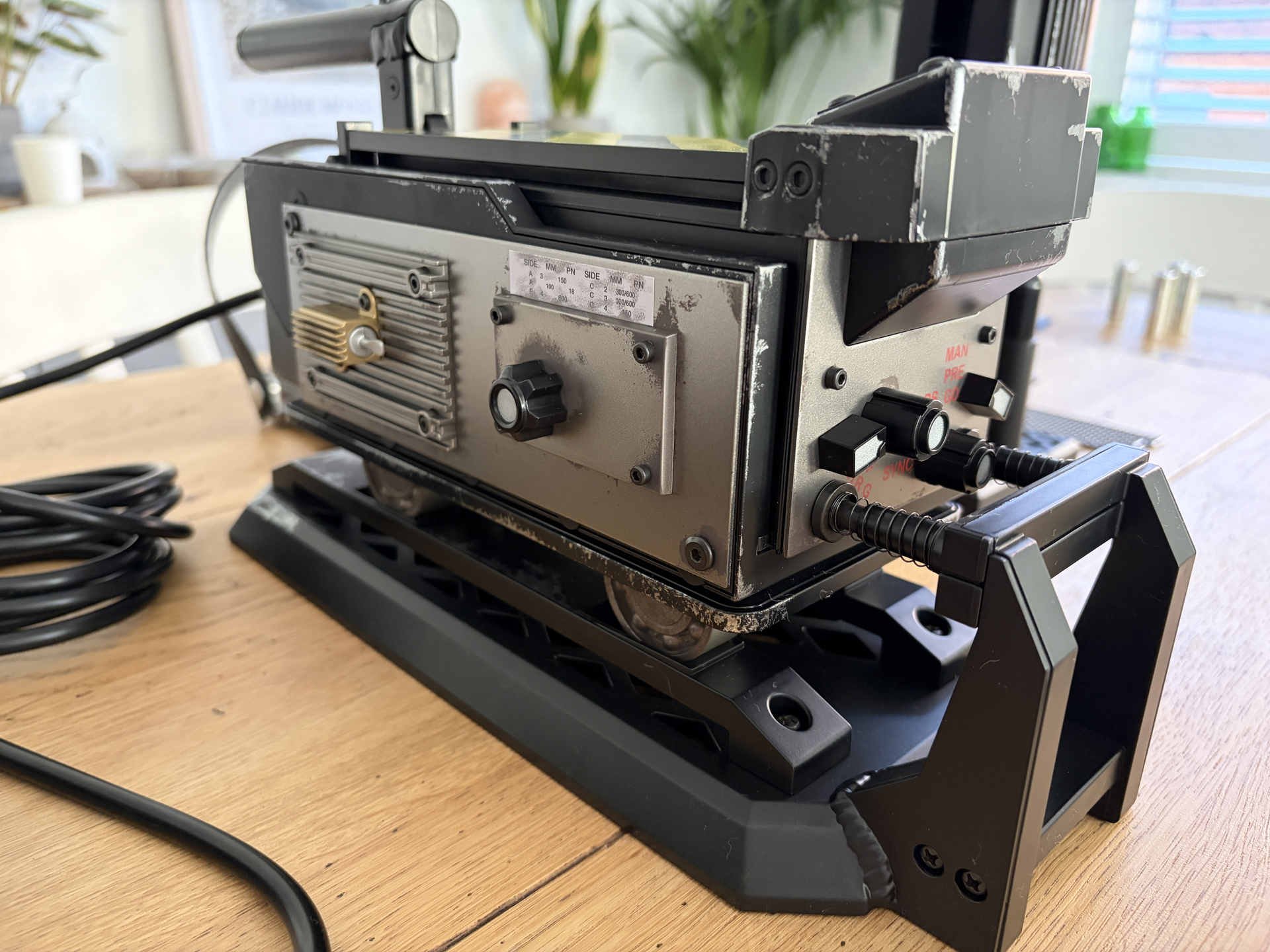
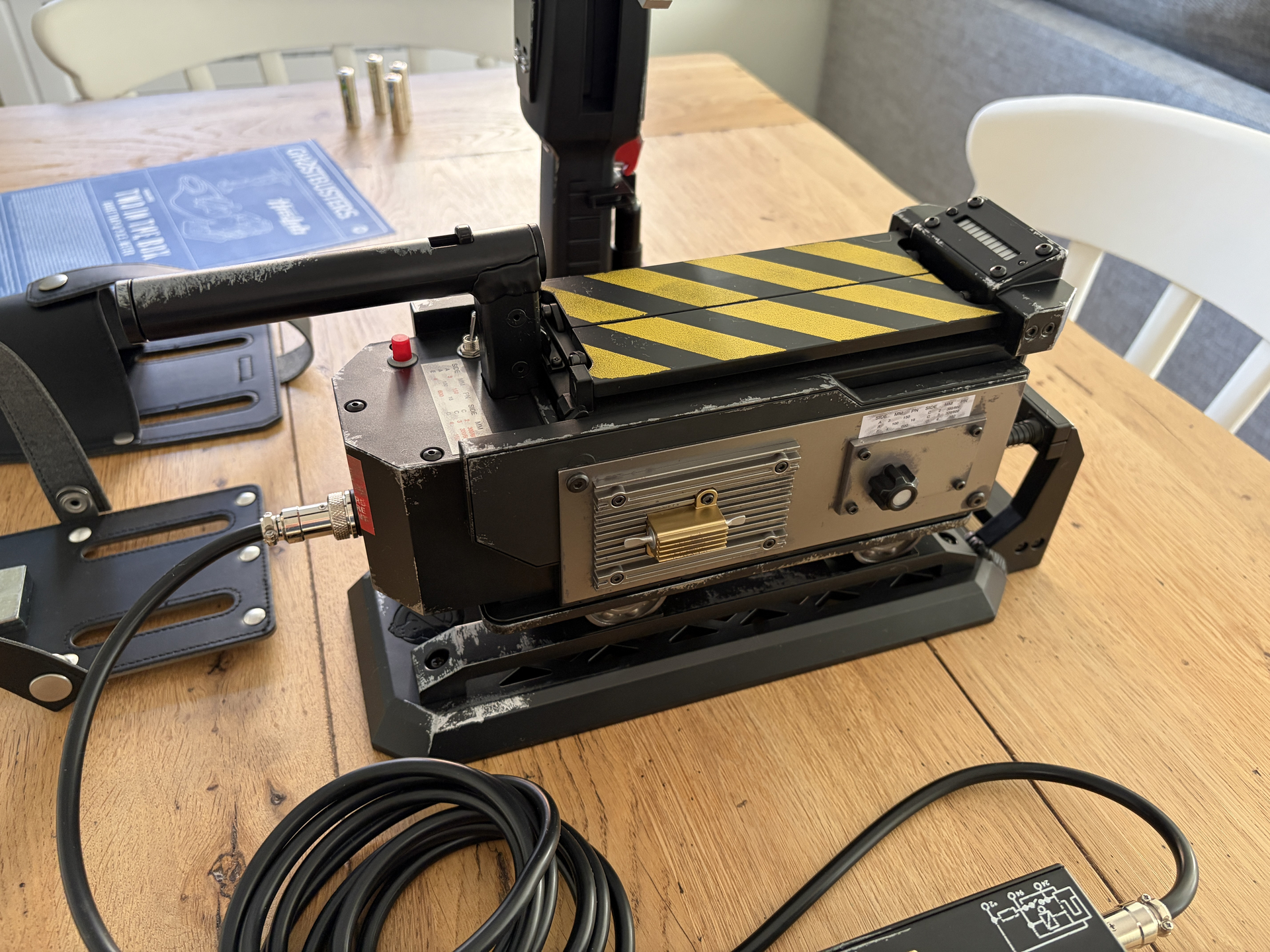
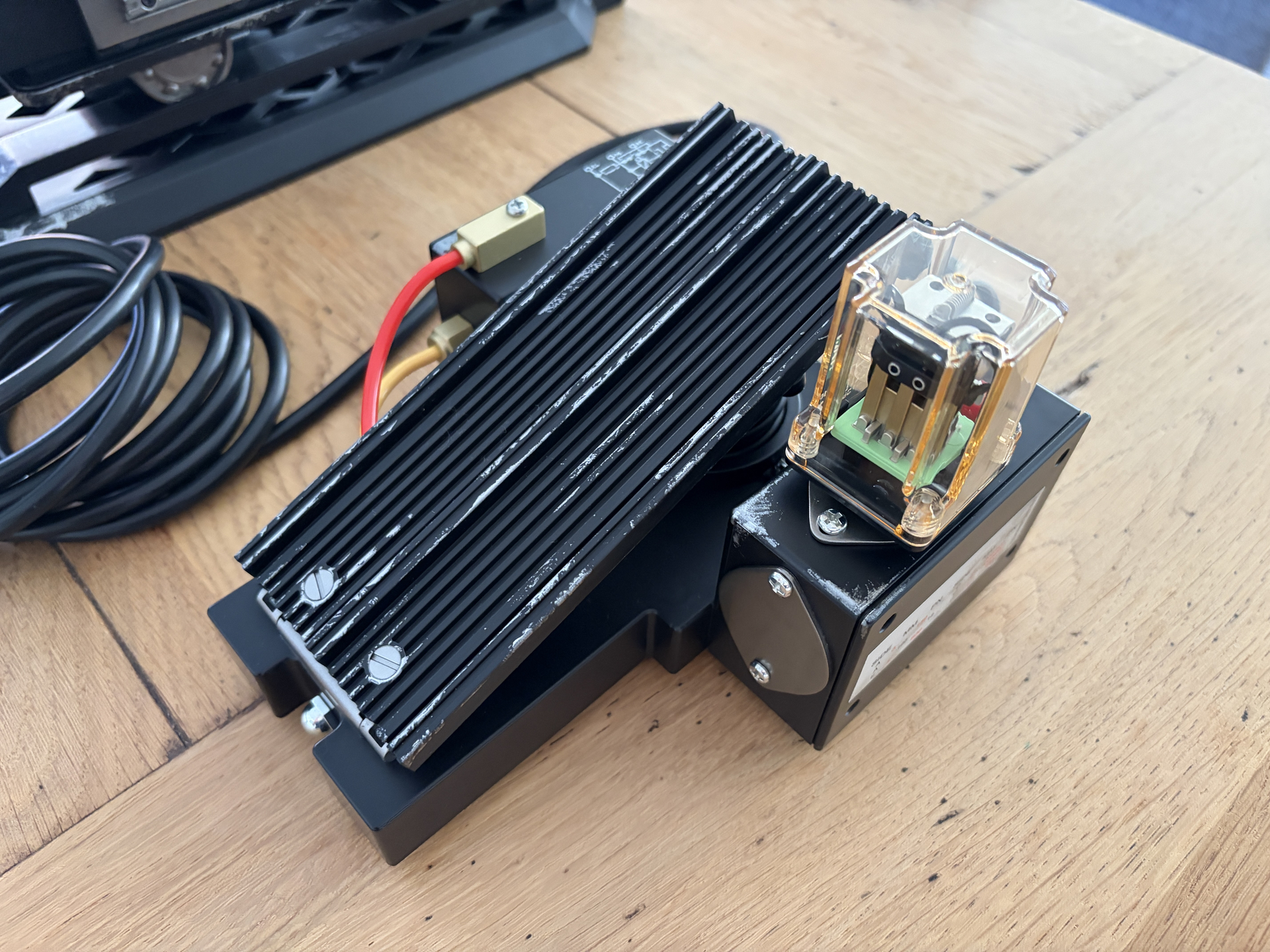
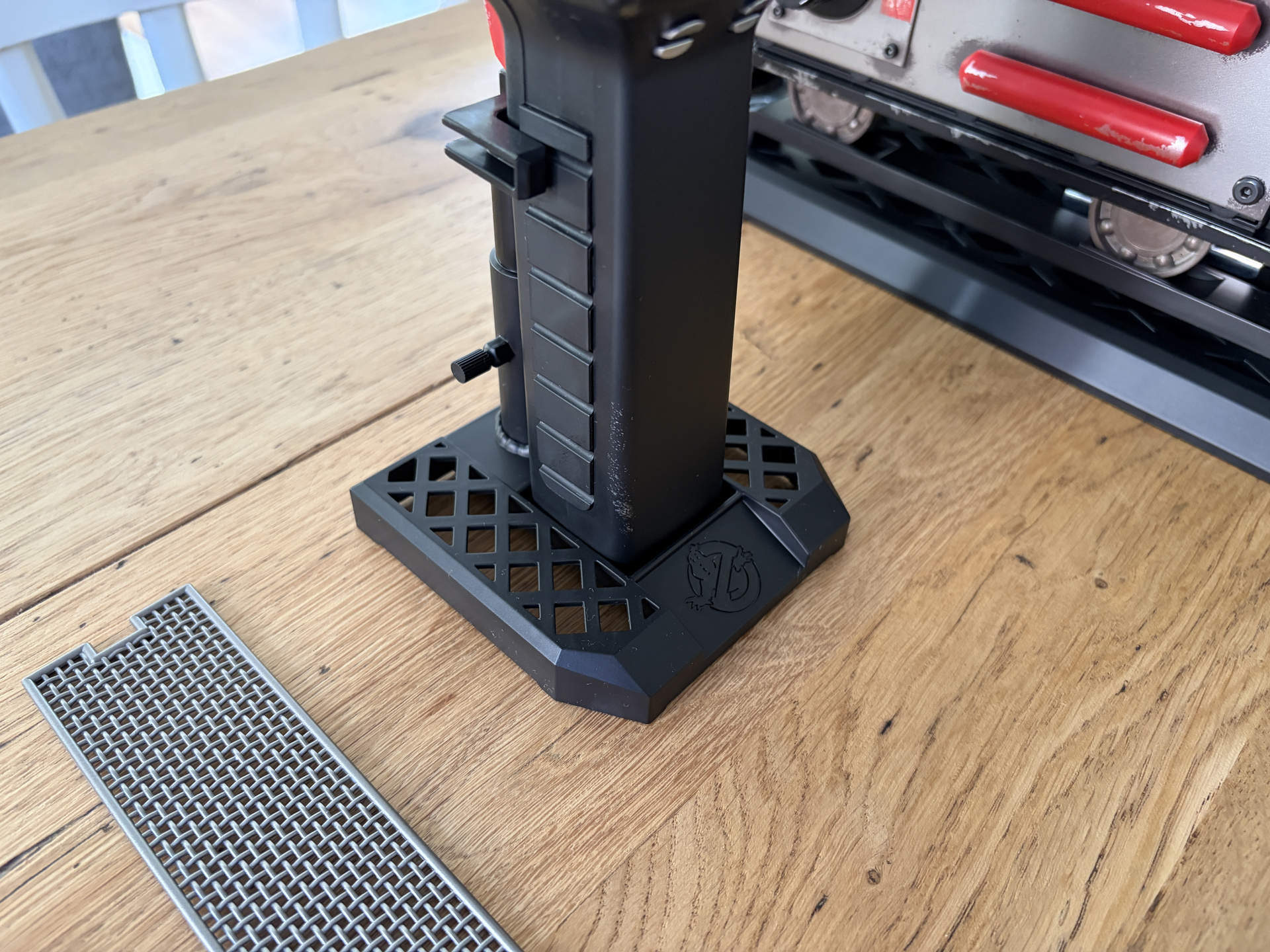
First up, and just for reference, here are a few photos of everything. Nothing you probably haven’t seen before, but I just wanted to include these as references to refer back to later.
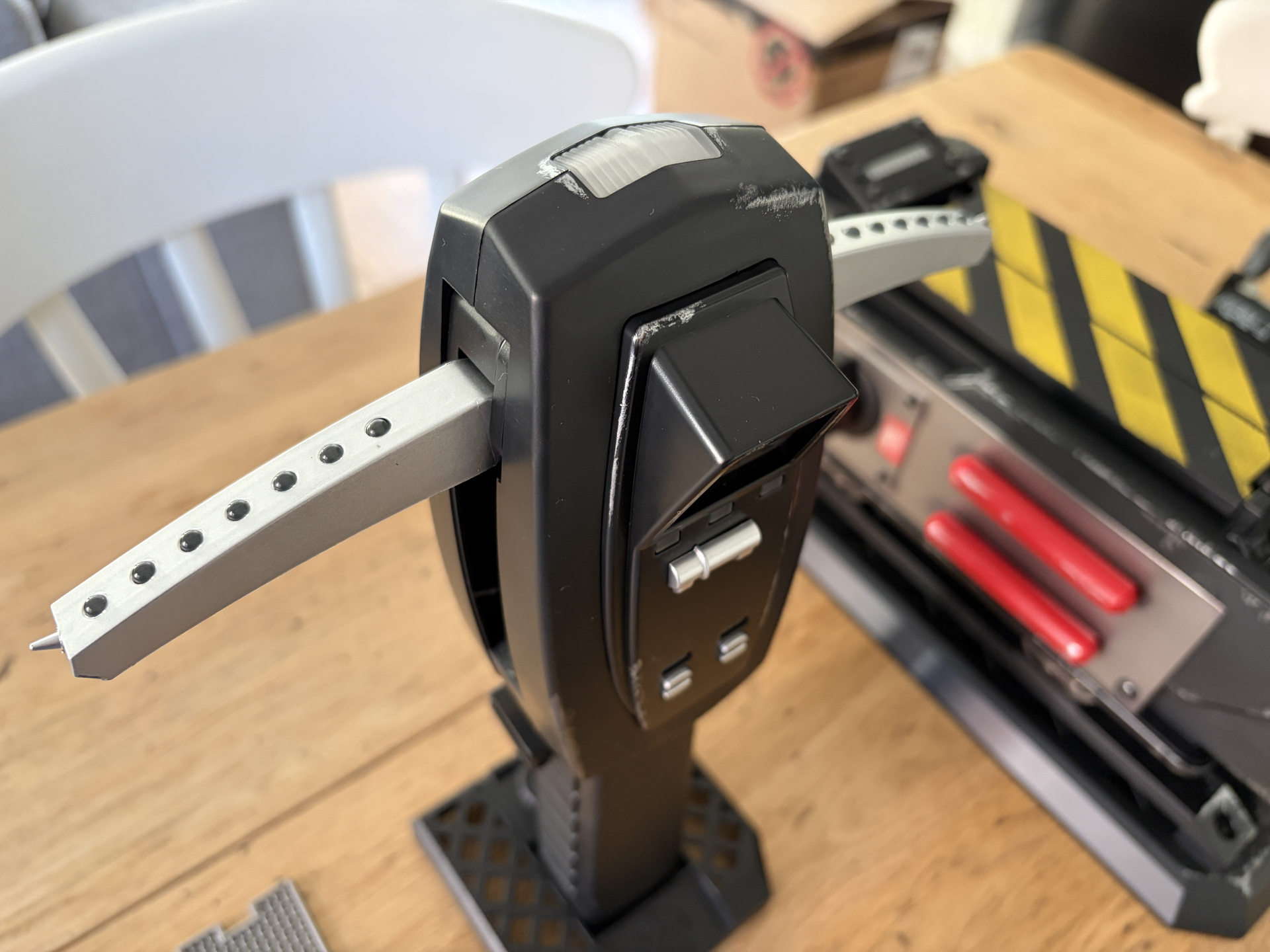
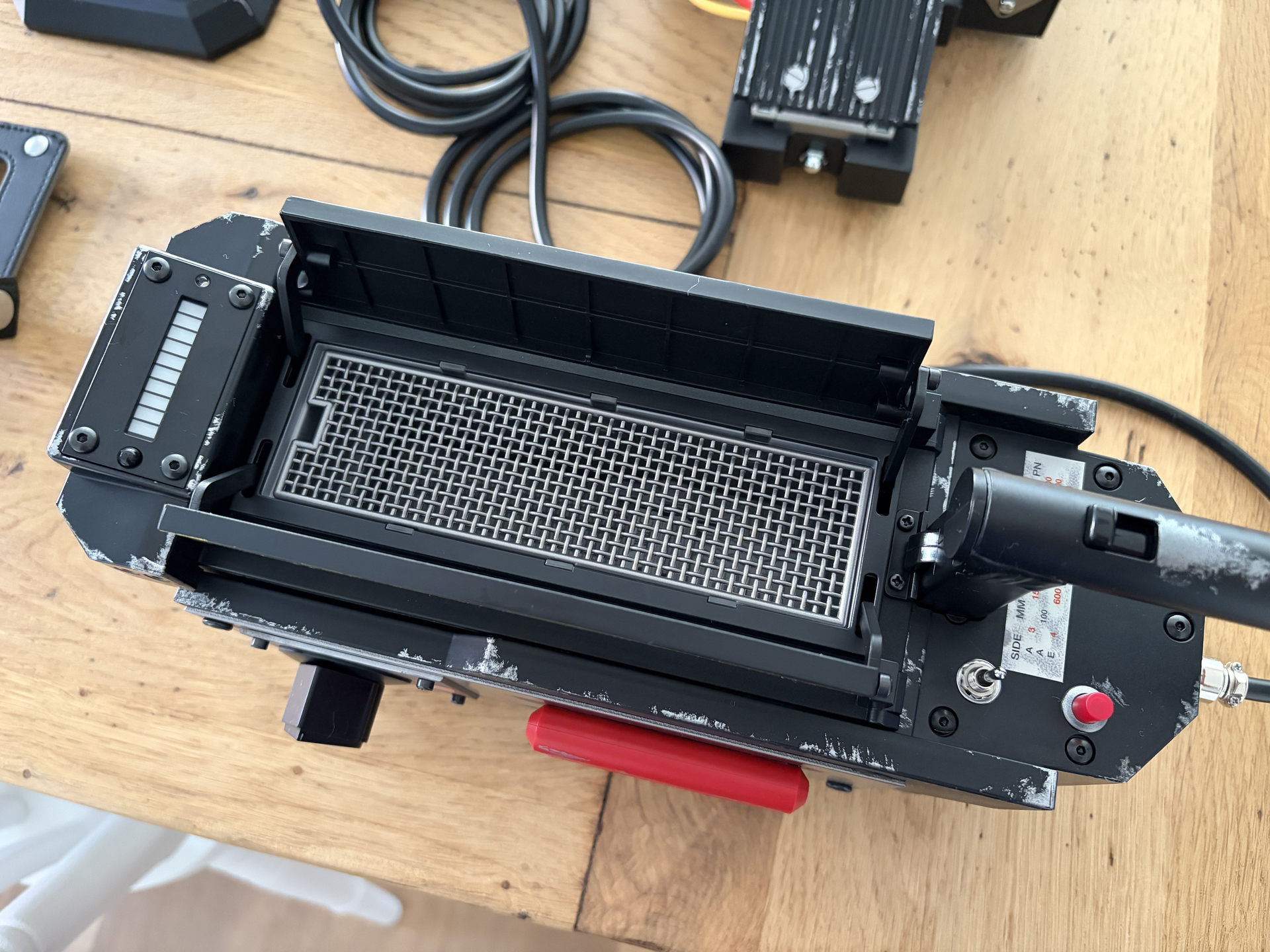
Hasbro have done an amazing job as always, and out of the box everything looks just as good as the photos, if not better. BUT, it could still be better, and it will be.

If you’ve read my other post where I customised the 1984 pack and wand, you’ll know that I’m going for a relatively ‘clean’ 1984 aesthetic from GB1, as if all the equipment has just been built by Egon and Ray and with just some minor wear.

The default weathering on the trap and PKE are great and definitely suit the Afterlife look, but that’s not the look I’m going for, so here’s what I have planned:

  1. De-weather and re-weather - same process I used on the 1984 wand: remove all the stock weathering and add my own, more subtle scuffs and marks.
  2. New stickers and decals - I’ve already purchased these from Charlesworth Dynamics, so I’ll be removing all the stock weathered versions and replacing with fresh new ones, and I’ve also got an idea for how I can get the large red one on the underside to work too.
  3. Smaller wheels - again, the larger ones that come on the trap are great for Afterlife, but not for 84’, so I’ll be replacing those.
  4. General hardware upgrades - I’ll be replacing some (but not all) of the hardware and fittings. I want to make it more screen accurate, but trying to get everything 100% wouldn’t be practical or affordable, plus some of the stock stuff is actually very good.
  5. Improving the display stands - I’ve be painting the display stands for my pack and wand gun metal grey, so I’ll be doing the same here.

I’ll be posting more updates as I progress, so check back soon!
You REALLY want to look into grabbing the replacement plates in the GBFans shop. Not only will you get the clean look, you’ll also shave off like 2 pounds swapping to aluminum (to this day I’ll never understand why Hasbro used steel)

Oh I 100% agree! I actually ordered the aluminium side plates and vector plate back in July but I’ve been waiting for them to come back in stock.

Yeah I don’t understand why Hasbro used the steel plates when they’ve used aluminium on the pack and wand. The only thing I can think is, where the stock vector plate and other side plate are plastic, and as they’re going for a weathered look, perhaps the only way they could achieve a good colour match was to use steel and not aluminium, but even then, that doesn’t quite add up.

Don’t get me wrong though, if I was going for an Afterlife look then the trap looks amazing out of the box and probably wouldn’t need much work.

But for 1984, it will look a whole lot better with those brighter, slightly brushed aluminium side plates, so that’s definitely on my list to do!

Okay so kicking things off with probably the two quickest and easiest mods, which I’m sure most Two in the Box owners have already done but just for those that haven’t.

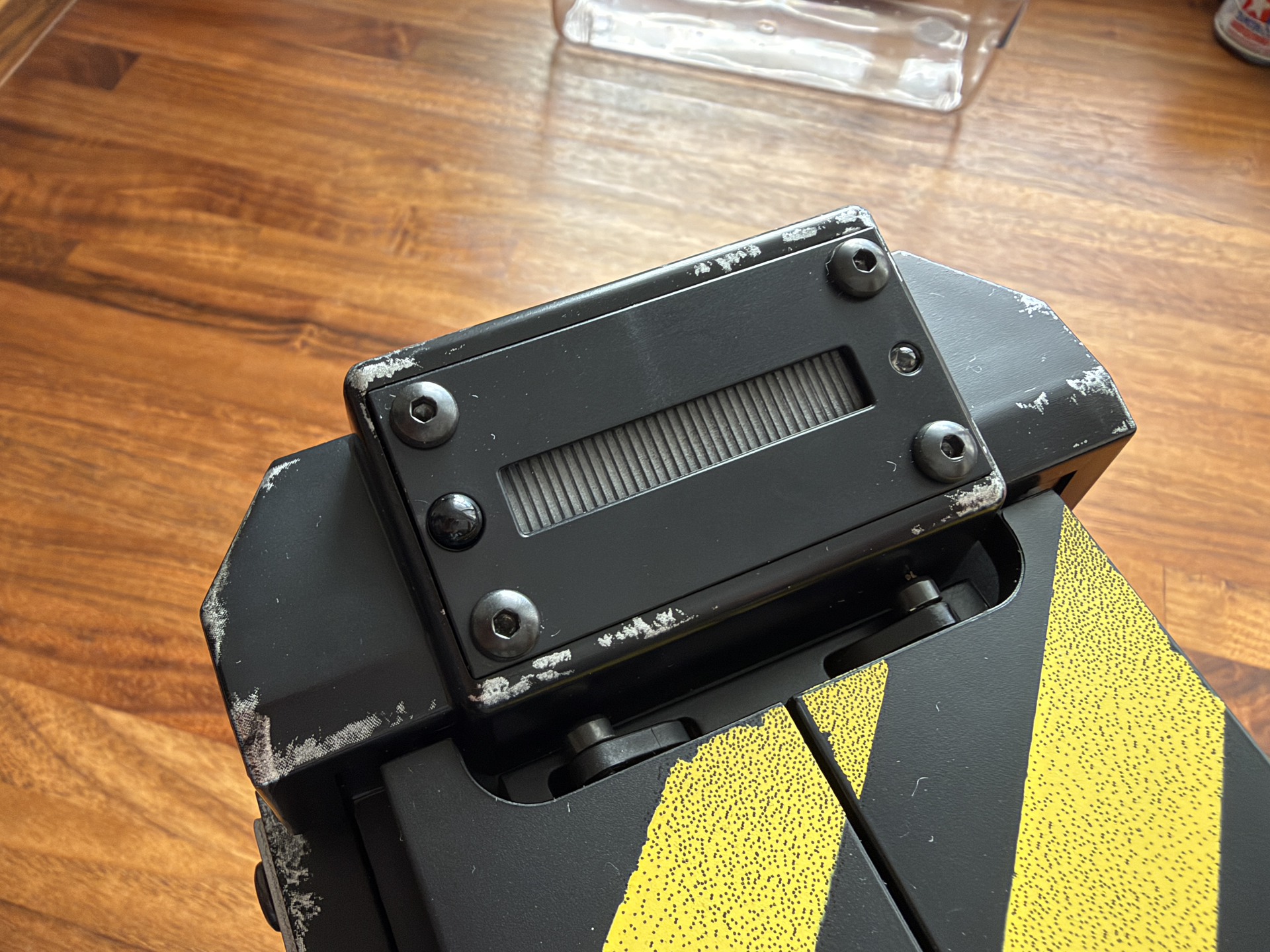
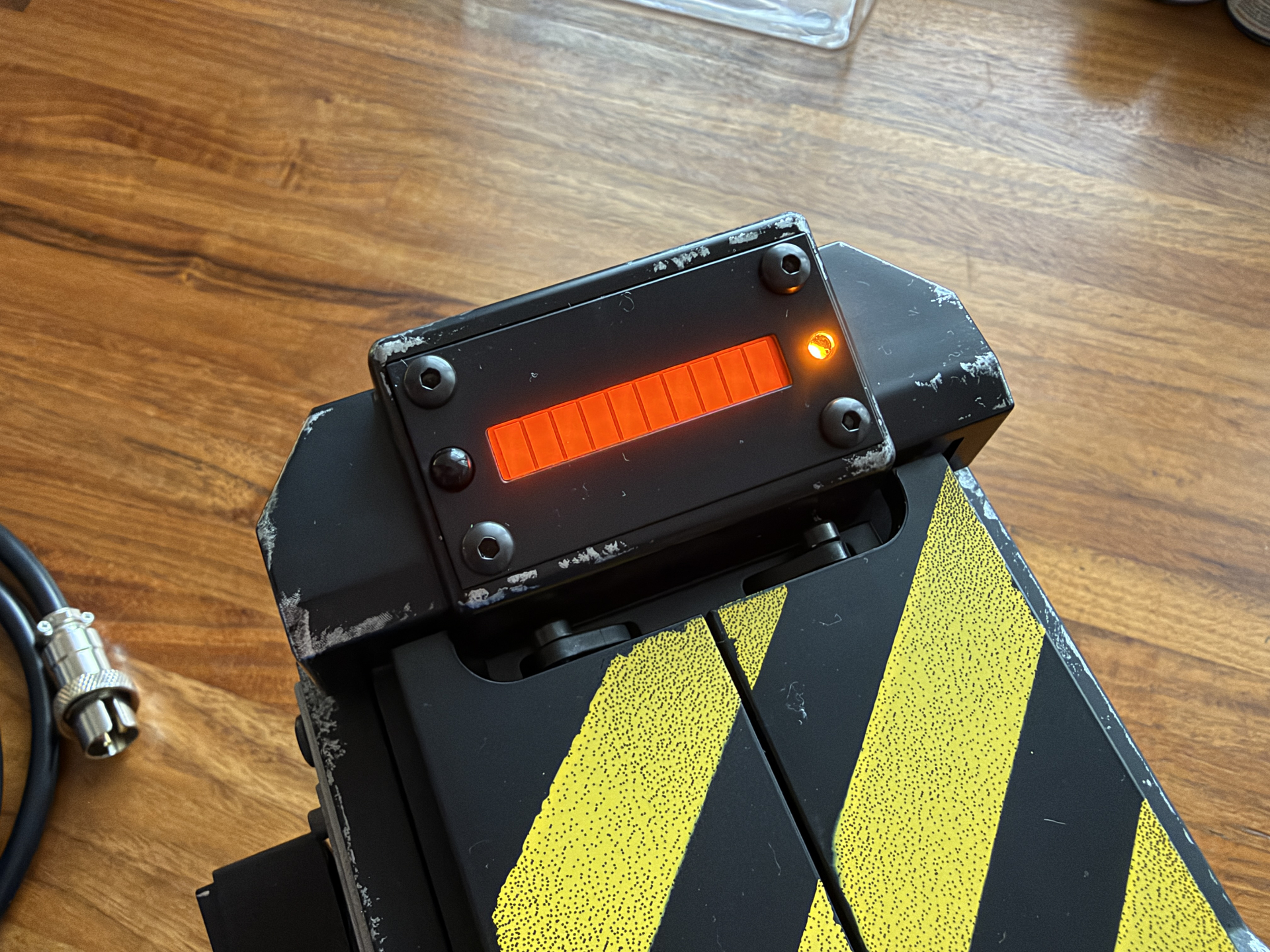
First, swapping out the LED cover. I can’t believe how easy this was! It literally took two minutes; remove the four allen screws from the face plate, and then swap the LED cover. Here’s the stock one before:

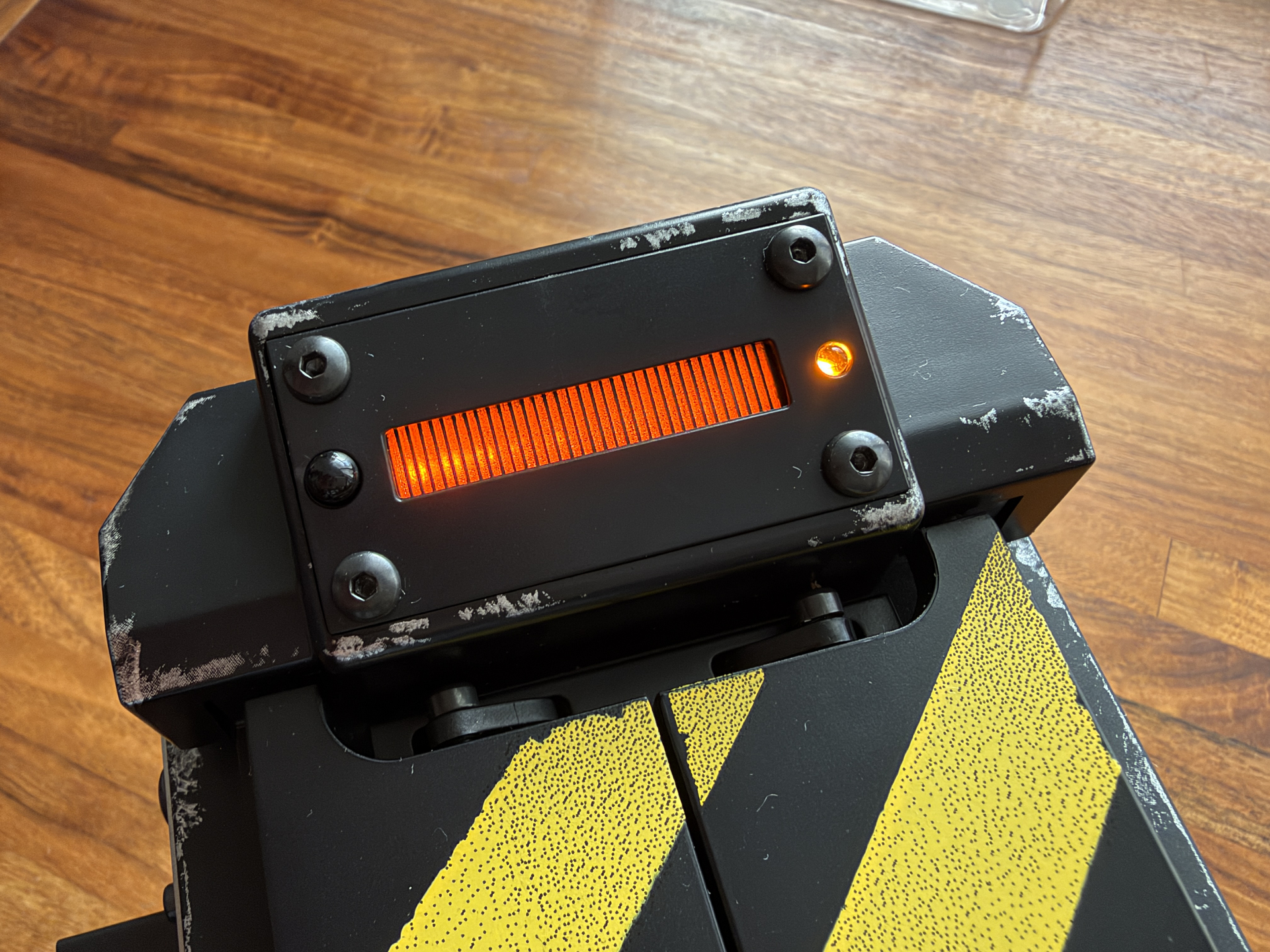
And then here’s the new one, and it even looks better when the trap is not even switched on:

It’s a massive improvement, though still not as good as an actual multi segment bar graph, like the GPStar one I installed in my wand, and there’s still a lot of fuzzy light bleed, but it’s definitely a lot better. RSquad911 posted a video where he reverses the bar graph animation to animate from left to right by default, so I might give that a try once I have the trap all opened up.

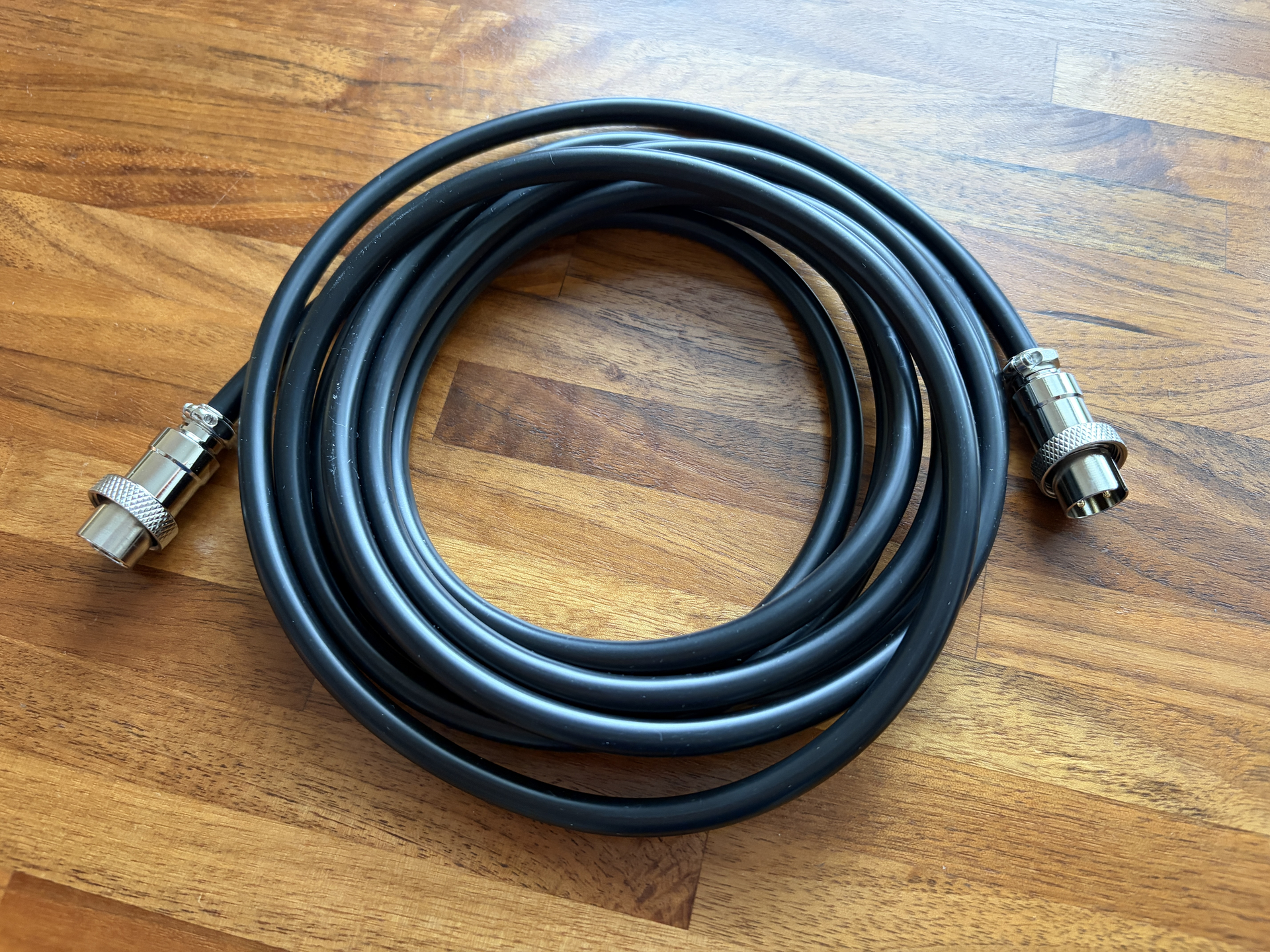
Next up was the connecting cable, which doesn’t look terrible by default, but can still be better. Here’s the ‘before’:

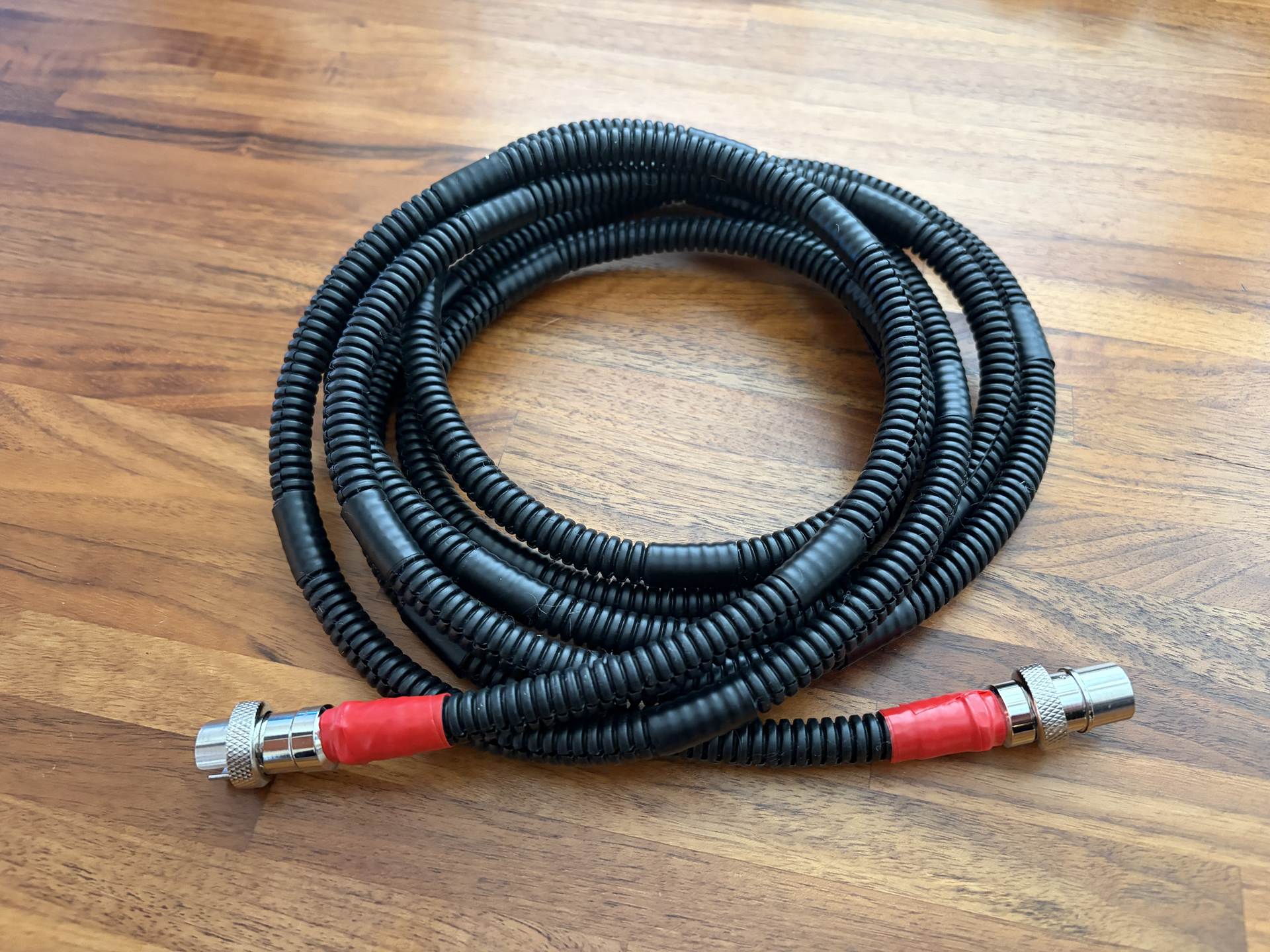
And here’s the after:

Pretty simple mod, and more screen accurate. I just bought a 3m length of split loom (which fit exactly by the way) and inserted the cable into it. 10mm ID ended up being the right size. The cable itself has an OD of 7mm, and I did also try 7mm ID split loom, but it was too small.

I then just used some red electrical tape to secure it to the ends (which looks like what they used in GB1) and also used some black electrical tape at regular intervals all the way along, just to hold it in place. Perhaps unnecessary, but I didn’t want to take the chance of the split loom opening up.

So small progress so far, but I have a load more parts on the way from GBFans which hopefully I’ll be receiving soon (right @aj-quick ?? :smiley: ) so once I get those, I can start getting into some more serious mods.